Google Flow AI Alternative: Filmmaking Suite vs One Effect
Google Flow is a general AI filmmaking studio, and Ceiling Fan AI makes one transition. Compare inputs, outputs, pricing style and who each one suits.
Ceiling Fan AI editorial team · Updated October 12, 2026
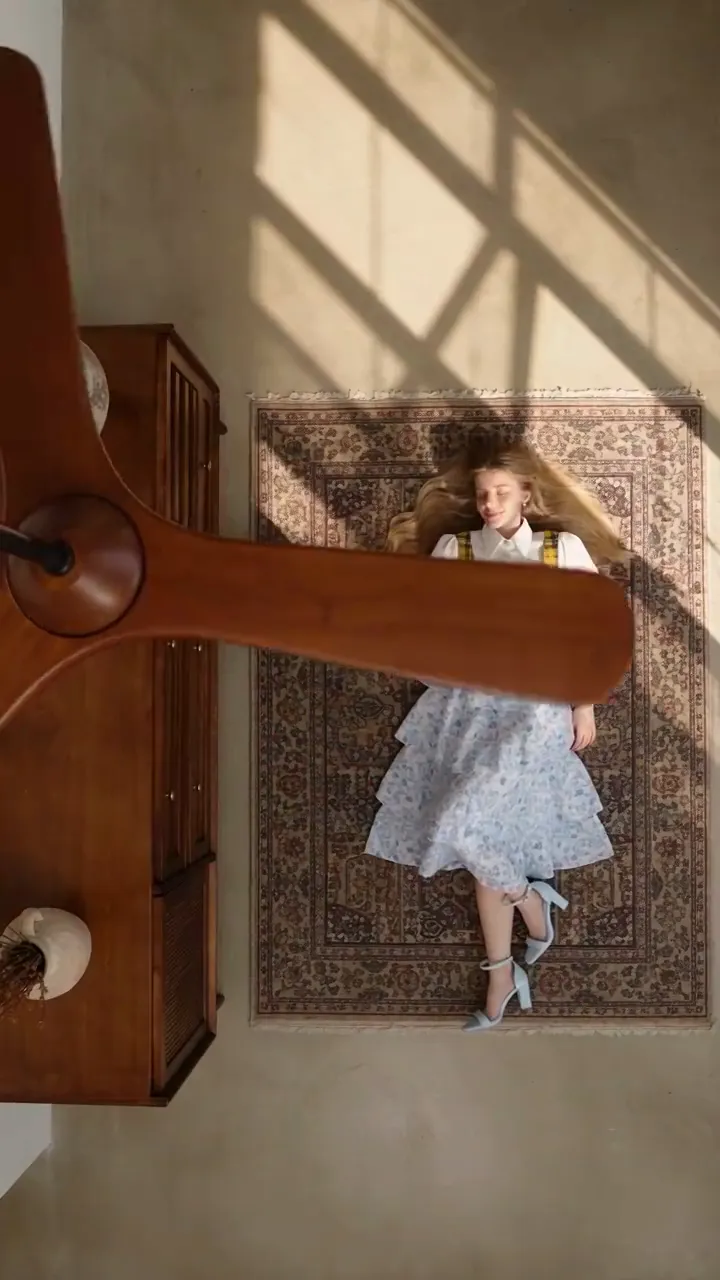
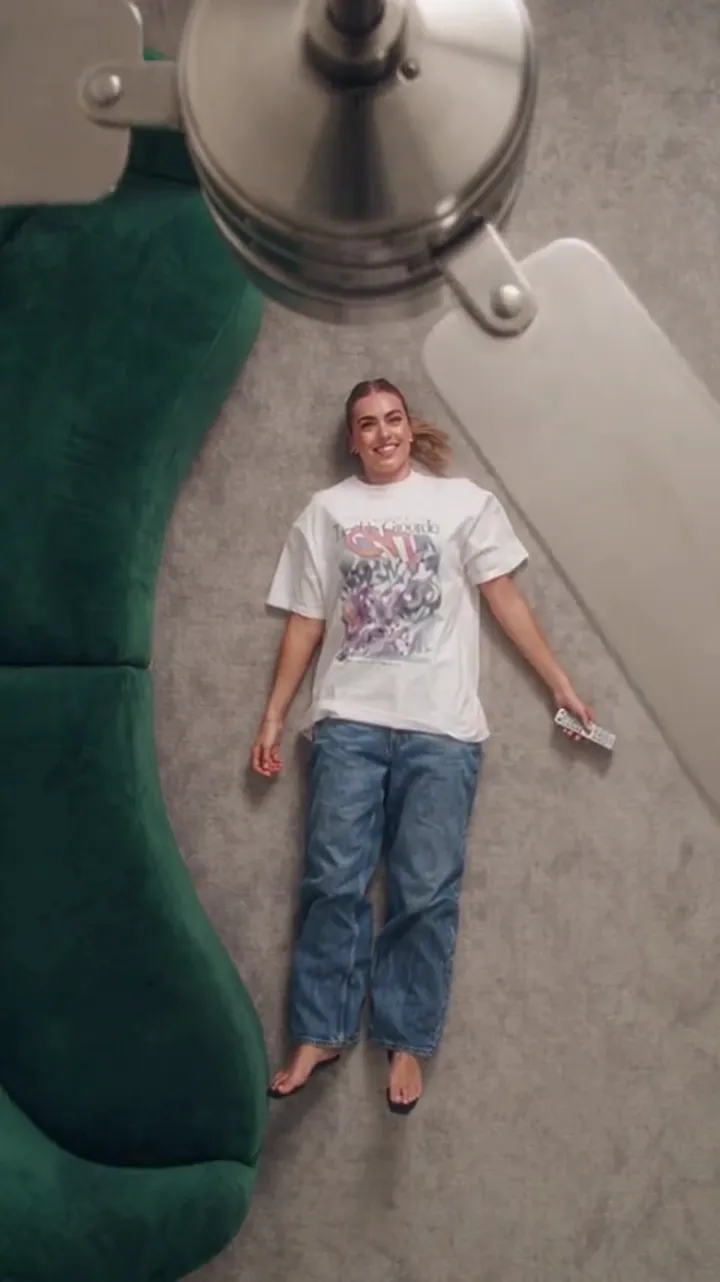
Google Flow and Ceiling Fan AI both turn words and images into video, which is why they appear together in the same search. Structurally they could hardly be more different. Flow is a general AI filmmaking studio built on Google's generative models, made for planning shots and assembling scenes. Ceiling Fan AI makes one twelve-second effect: a fan blade wipes across the frame and the outfit changes on every pass.
This is a structural comparison, not a ranking. It covers what each takes as input, what each returns, how pricing is presented, and who each one suits. Ceiling Fan AI is not affiliated with Google or Google Flow, and no partnership exists between them.
What Google Flow is, structurally
Flow is a browser-based creative studio from Google Labs built on Google's own generative models, presented as an AI filmmaking tool. The pattern of use is prompt-led: you describe a shot, generate it, look at it, adjust the description, and repeat. Image inputs and reference material can guide a shot, and generated shots can be arranged into a sequence so a clip reads as a scene rather than a single moment.
Access is the part people most often miss. Flow sits behind a Google account, and Google states that features vary by Google AI subscription tier, by platform — web versus mobile — and by region, with an 18+ requirement. So the honest structural point is not "what does it cost" but "what does your account and your country get you", and only Google can answer that for your case on any given week.
The strength of that structure is range. You can build a multi-shot sequence, revise individual shots, and keep everything inside the tool. The cost of that structure is that the effect you want is something you have to describe and steer. A general generator supplies a model; the recipe is yours.
What Ceiling Fan AI is, structurally
Ceiling Fan AI sells a single effect. You upload one clear photo of a person, optionally add up to four outfit photos or write a wardrobe list, and the site returns a short video in which a spinning fan blade wipes across the frame and the person wears a different outfit each pass.
Nothing about the shot is left to the prompt. The camera, the wipe and the identity rule are fixed by the preset: face, hair and build are preserved, clothes are not. Your text is a list of outfits in reveal order, not a description of the scene. You choose the length, 6 or 12 seconds, and the shape, 9:16, 1:1 or 16:9.
The model is fixed too: standard Seedance 2.0 through kie.ai. One model, one effect, no picker.
The comparison, side by side
| Question | Google Flow | Ceiling Fan AI |
|---|---|---|
| What it is | A general AI filmmaking studio for generating and arranging shots | A single-effect tool for one transition |
| Input | Text prompts, plus images or references to guide shots | One person photo, plus up to four outfit photos or a written wardrobe list |
| What the user controls | The description of each shot, the model options offered, the sequence | Length and shape only; outfit list via text or photos |
| Output | Generated video shots, adjustable and arrangeable into a sequence | One 6- or 12-second video in 9:16, 1:1 or 16:9 |
| Access requirements | A Google account, plus Google AI subscription, platform, region and age conditions that Google states | An email sign-in; no Google account, no install |
| Pricing presentation | Bundled into Google's own subscription tiers and available features | Credits against a stated clip, with pack and subscription totals published |
| Who it suits | People building multi-shot sequences who want prompt-level control | People who want one recurring clip with a known cost per attempt |
What the user has to bring, and why that is the real difference
With a general generator, the effect is part of your prompt. You describe a spinning blade, when it crosses the frame, and what happens in each pass, then you judge whether the result matches what you had in mind. That is a creative workflow, and it can produce something a preset never would: a version of the trend with your own timing and your own framing.
With Ceiling Fan AI, the effect is the product. The blade timing and the identity rule are the same every time, so the variable that changes your result is your photo and your outfit list. That is why the prompt box takes a wardrobe list — the prompt guide shows three examples — and why the site shows the credit cost of the combination you picked before you confirm.
Neither approach is better in the abstract. One gives you a director's job, the other gives you a repeatable format. The practical question is whether you want to describe a ceiling fan every time you make a clip.
How the two pricing models behave
Ceiling Fan AI publishes its arithmetic. A default generation is 1080p for 12 seconds and costs 30 credits; the "standard video" quoted on the pricing cards is 720p for 12 seconds at 10 credits. One-time packs never expire: Single is 10 credits at $9.90, Duo Pack 30 credits at $19.90, Party Pack 100 credits at $39.90, Crew Pack 250 credits at $79.90, Studio Pack 600 credits at $149. Subscriptions are Starter $9.90 a month for 20 credits, Basic $19.90 for 60, Pro $39.90 for 200 and Studio $79.90 for 500, with yearly plans at Starter $79 for 240 credits, Basic $159 for 720, Pro $319 for 2,400 and Studio $639 for 6,000. Monthly credits expire at the end of the billing month, yearly credits last the billing year, and downloads are included once a generation is charged — no watermark, no second unlock fee.
Flow's pricing is presented differently in kind. There is no per-clip price list, because the tool is bundled into Google's own subscription structure, and Google states that available features vary by tier, platform and region. That is a fair model for a studio — you are paying for a broad capability — but it means the answer to "what does one clip cost" is not a single number you can read off a card. Their pages are the source for their current terms; we are not going to restate figures we would have to re-verify monthly.
For anyone comparing from scratch, the useful exercise is not comparing headline prices but comparing what each purchase buys: a fixed number of attempts at one effect, or access to a general studio whose shot count depends on your own iteration.
Who each one suits
Flow suits someone with a sequence in mind — three or four shots that need to feel like one piece, with each shot revised until it is right. It also suits anyone already paying for Google's AI subscription tiers, for whom the marginal cost of trying an idea is low.
Ceiling Fan AI suits someone running a recurring format. If the fan transition is the clip you post, a single-effect tool makes the work smaller: the photo decides identity, the outfit list decides the wardrobe, the preset handles everything else, and each attempt has a published cost.
There is also a one-clip case, and our route for it is public. A new email account starts at 0 credits, and the sign-in panel pays seven claims of 10, 20, 30, 10, 10, 10 and 10 credits, one per 24 hours. The first two days reach 30 credits, which is one 1080p, 12-second generation. Google sign-in is not offered on this site, and the site is a browser tool — nothing to install.
Deciding in five steps
- Decide whether you need one effect or a studio. The answer usually comes down to how many different clips you will make this month.
- Check your access. Flow's availability depends on your account, tier, platform and region, so confirm that before you plan around it.
- Confirm the output shape. Vertical feed content needs 9:16; confirm the tool returns it.
- Price an attempt at the settings you would actually use, then multiply by the number of attempts you expect.
- Check the download terms before generating. Watermarks and unlock fees change the real cost more than small credit differences.
Limits on our side, stated plainly
Ceiling Fan AI is a stylised generated transition, not a filmed wardrobe shoot. Identity and framing are preserved, but details can drift between passes — hands, the exact fall of fabric, fine facial detail — and results vary per run, so regenerating is normal rather than a fault. It makes one kind of video: no talking avatars, no product ads, no multi-shot narrative. Uploads are JPG, PNG or WebP, up to 10 MB each, and up to five photos per generation. Results are private by default, and publishing one to the gallery is your choice.
Ceiling Fan AI is not affiliated with Google Flow, Google Labs, or Google, and no partnership exists. The site is independent, runs at https://ceilingfanai.com, and sells one effect.
Frequently asked questions
Is Google Flow a video generator?
Yes, in the structure of a studio: you generate shots from prompts and references, then arrange and revise them. It is not built around one specific trend effect.
Do I need a Google account for Ceiling Fan AI?
No. Sign-in is by email, and Google sign-in is deliberately not offered on this site.
Can Flow make the ceiling fan transition?
A general generator can be asked for a transition, and results depend on how well you describe and steer it. Check Flow's current tool and template list for whether it ships a preset for this trend; if it does, you would be choosing between a preset and your own prompt.
What does one clip cost on each?
On our side it is fixed and published: 30 credits for 1080p at 12 seconds and 10 credits for the standard 720p 12-second clip, with pack and plan totals on the pricing page. Flow's cost depends on Google's subscription tiers and what your region and platform include, which Google states on its own pages.
Is either tool affiliated with the other?
No. They are separate products from separate companies, with no partnership.
Which is easier for a first clip?
Ceiling Fan AI, if the effect is the thing you want, because the recipe is fixed and the only choices are your photo, your outfit list, the length and the shape. Start with what photo works for the ceiling fan transition if the result looks off.
Where to go next
The same comparison is available for Pixazo and Higgsfield. If you want the trend itself explained, read how the ceiling fan trend spreads on TikTok, and for the exact credit totals per pack and plan see the pricing page.