Higgsfield AI Alternative: Single Effect vs a Video Suite
Higgsfield is a general AI video suite, and Ceiling Fan AI sells one transition. Compare what each takes as input, what it returns, and who each one suits.
Ceiling Fan AI editorial team · Updated October 12, 2026
Higgsfield and Ceiling Fan AI both produce AI video from a photo or a prompt, so they end up side by side in a search. They are not the same kind of product. Higgsfield is a general creative suite: images, video and voice, several models, camera-style controls, an editing and upscaling layer, and a subscription that pays for generations with credits. Ceiling Fan AI sells one effect — the ceiling fan transition — and does nothing else.
This comparison stays structural. It looks at what each one takes as input, what it returns, how each presents its pricing, and who each one actually suits. It is not a ranking, and Ceiling Fan AI is not affiliated with Higgsfield.
What Higgsfield is, structurally
Higgsfield presents itself as an AI-native creative suite. You work from a text prompt or from reference media, you can pick between models, and you can generate, edit and upscale inside one account. Its model catalogue covers video and image work, and camera and motion controls are part of the pitch rather than a hidden setting.
Two things follow from that structure, and both are genuinely useful. First, the same account can produce a talking presenter clip, a product shot and a stylised transition without three subscriptions. Second, model choice is exposed, which means quality and cost are also exposed — Higgsfield's own documentation states that each generation costs credits and that the price depends on the model and the resolution you choose. That is normal for a suite, and it means the cost per clip is a function of the settings you pick rather than a single published number.
The trade-off is decision load. A suite asks you to choose a model, a resolution, a duration, sometimes a camera behaviour, and to judge whether a result is good enough to keep. For someone making dozens of different things, that control is the point. For someone making the same clip every week, most of those choices are noise.
What Ceiling Fan AI is, structurally
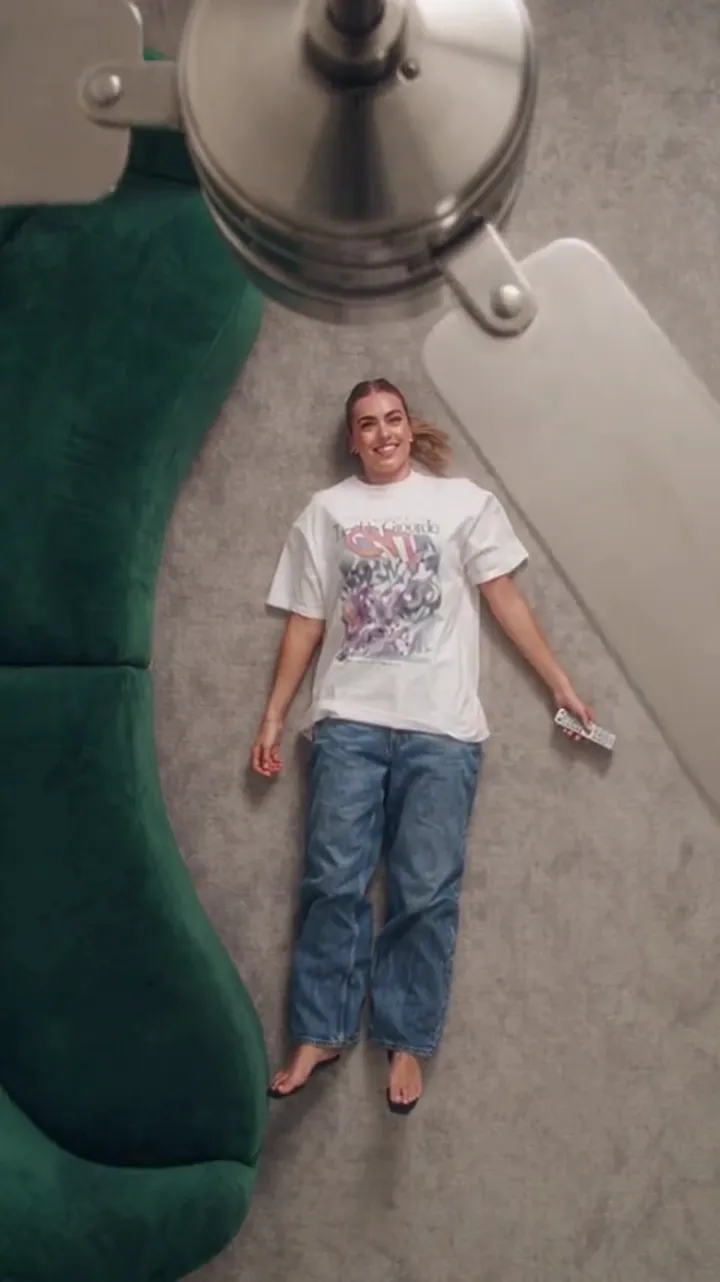
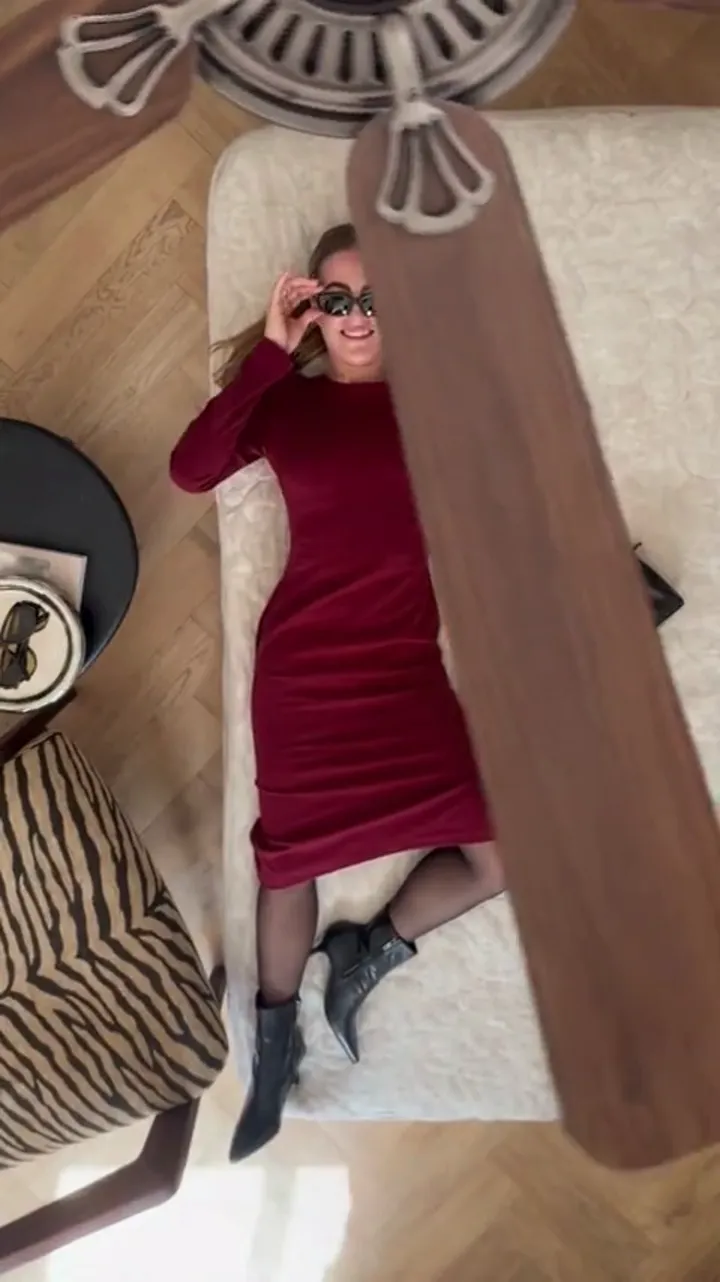
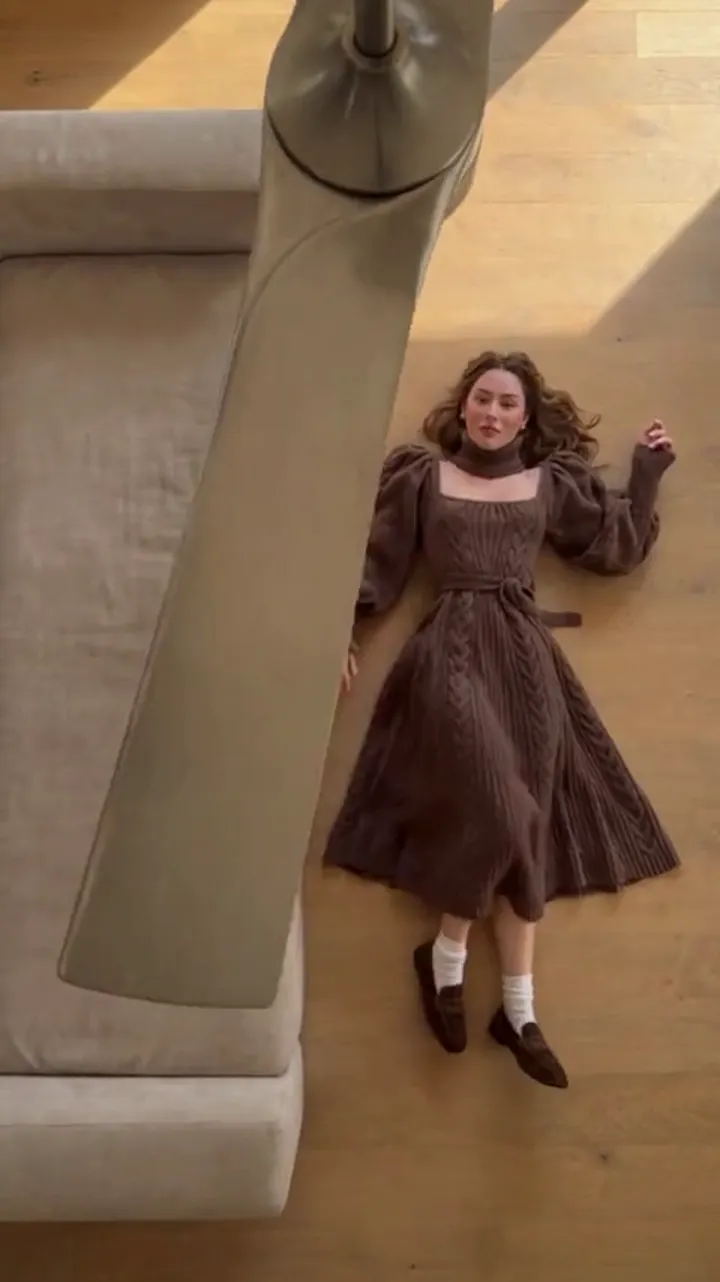
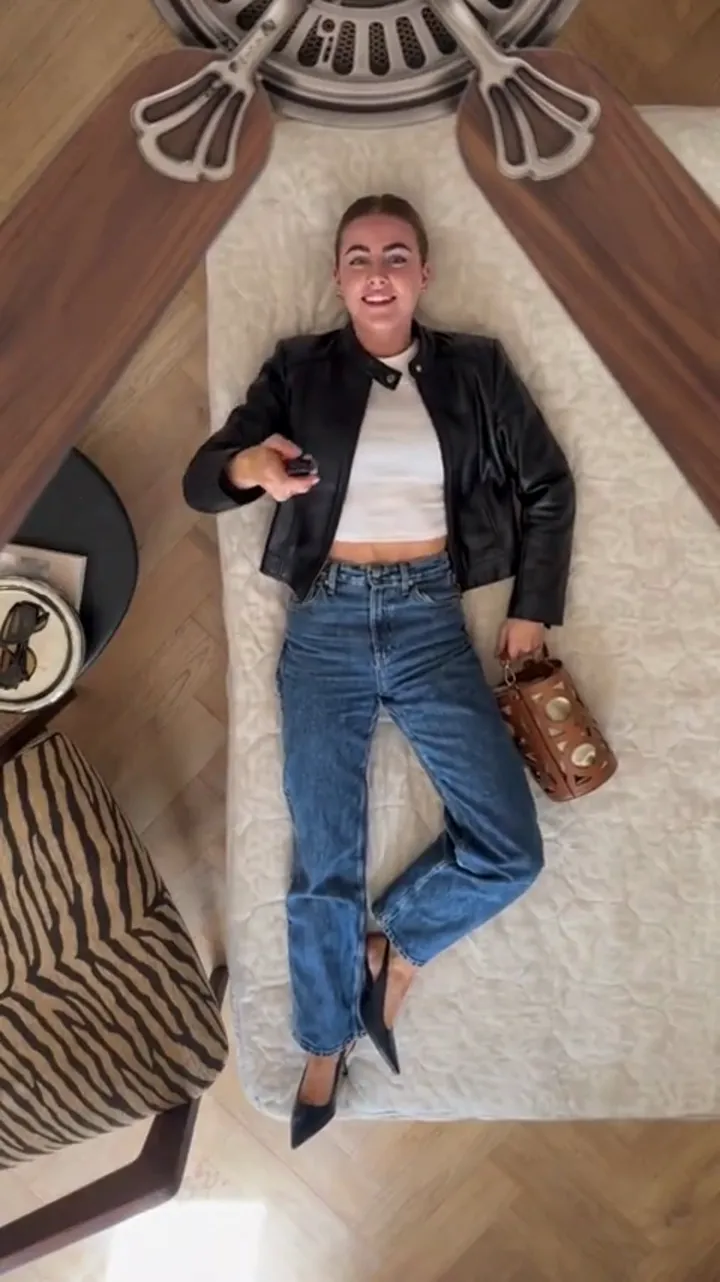
Ceiling Fan AI sells a single effect. One clear photo of a person, optionally up to four outfit photos or a written wardrobe list, and the site returns a short video where a spinning fan blade wipes across the frame and the person wears a different outfit on every pass.
The interesting part is what you do not choose. The camera, the blade wipe and the identity rule — face, hair and build preserved, clothes changed — are fixed by the preset. The prompt takes an outfit list rather than a shot list. You pick the length, 6 or 12 seconds, and the shape, 9:16, 1:1 or 16:9, and that is the whole control surface.
Under the hood it is one model: standard Seedance 2.0 through kie.ai. There is no model picker because there is nothing to pick between.
The comparison, side by side
| Question | Higgsfield | Ceiling Fan AI |
|---|---|---|
| What it is | A general AI creative suite for images, video and voice | A single-effect tool for one transition |
| Input | A text prompt, reference images or video, depending on the tool | One person photo, plus up to four outfit photos or a wardrobe list in text |
| Model choice | Several models, exposed to the user | One model, fixed |
| Output | Video and images at settings you choose; editing and upscaling available | A 6- or 12-second video in 9:16, 1:1 or 16:9 |
| Camera and motion | Part of the creative controls | Fixed by the preset |
| Pricing presentation | Subscription with credits; generation cost varies with model and resolution | Credits against a stated clip; pack and subscription totals published |
| Who it suits | People producing varied content who want control over the model | People who want this one clip to work with a known cost per attempt |
How the two pricing models behave
Ceiling Fan AI publishes the arithmetic. A default generation is 1080p for 12 seconds and costs 30 credits. The "standard video" on the pricing cards is 720p for 12 seconds at 10 credits. One-time packs never expire: Single 10 credits at $9.90, Duo Pack 30 credits at $19.90, Party Pack 100 credits at $39.90, Crew Pack 250 credits at $79.90, Studio Pack 600 credits at $149. Subscriptions run Starter at $9.90 a month for 20 credits, Basic at $19.90 for 60, Pro at $39.90 for 200 and Studio at $79.90 for 500, with yearly options at Starter $79 for 240 credits, Basic $159 for 720, Pro $319 for 2,400 and Studio $639 for 6,000. Monthly credits end with the billing month; yearly credits last the billing year. Because the clip is fixed, you can multiply: one clip is 30 credits at the default setting, so a pack maps to a countable number of attempts.
Higgsfield's model is a subscription with a credit pool, where the credit cost of a generation moves with the model and the resolution. That suits volume work across many outputs. It also means the honest answer to "what does one clip cost" depends on settings, so the number on their pricing page is a starting point rather than a fixed single-effect price. Their pages state the current detail; we are not going to restate their figures here, because they move with model catalogue changes and we would rather you read them at the source.
One difference is worth calling out explicitly, because it is structural rather than promotional. On Ceiling Fan AI, downloads are included once a generation is charged: no watermark, no second unlock fee. If you are used to suites where the free tier returns a marked preview and the clean file is a separate purchase, that difference changes the real cost of your first clip. Check that detail on any tool before you commit a month to it.
Who each one suits
Higgsfield suits a creator with a varied calendar. If you need a talking-head clip on Monday, a stylised transition on Wednesday and a product image on Friday, a suite with several models and an editing layer is the efficient choice.
Ceiling Fan AI suits a creator with one recurring format. If the fan transition is the thing you post, and you want the result to depend on your photo and your outfit list rather than on a dozen settings, a single-effect tool is smaller in every direction: fewer choices, fewer failure modes, one predictable price per attempt.
A third case: someone who wants to try the trend once, for free if possible. Our route is public. A new email account starts at 0 credits and the sign-in panel pays seven claims of 10, 20, 30, 10, 10, 10 and 10 credits, one per 24 hours, so the first two days reach 30 credits — one 1080p, 12-second generation. Google sign-in is not offered on this site.
Choosing in five steps
- Write down the outputs you need in the next 30 days. One format means a single-effect tool; several formats mean a suite.
- Check the input each tool accepts against the photo you actually have.
- Confirm the output shape. Vertical feed content needs 9:16, and not every tool returns it by default.
- Price one attempt at the settings you would really use, not one month at the cheapest tier.
- Confirm the download terms. A watermark or an unlock fee changes the calculation more than a small difference in credit price.
Limits on our side, stated plainly
Ceiling Fan AI is a stylised generated transition, not a filmed wardrobe shoot. Identity and framing are preserved, but details can drift between passes — hands, the exact fall of fabric, fine facial detail — and results vary per run, so regenerating is normal. It cannot produce talking avatars, product ads, landscape shots or long-form video; it makes one thing. Uploads are JPG, PNG or WebP up to 10 MB each, with up to five photos per generation. Results are private by default, and publishing one to the gallery is your choice. It runs in a browser at https://ceilingfanai.com, with nothing to install.
Ceiling Fan AI is not affiliated with Higgsfield, and no partnership exists between the two products.
Frequently asked questions
Is Higgsfield a general video generator?
Yes. It is positioned as a creative suite covering images, video and voice with several models, rather than a single-effect tool.
Can Higgsfield make a fan transition?
It can generate video from a prompt or reference, so a transition is a plausible output. The question is how much of the recipe you would have to specify and how much the model decides — a suite gives you control, a preset gives you consistency.
Do I need a subscription for Ceiling Fan AI?
No. One-time credit packs are available and never expire. Subscriptions exist for people who would rather have credits each month, and those credits expire with the billing period.
Which is better for a one-off clip?
Whichever lets you test the effect with the least commitment. On our side, the seven sign-in claims include a 30-credit total from the first two days, which covers one default generation.
Are the results private?
On Ceiling Fan AI, yes by default, and you choose whether to publish one to the gallery. Check Higgsfield's own settings and terms for theirs.
What if the clip drifts between passes?
That is expected with generated video. Re-run it, or change one outfit in the list. The prompt guide shows how the wardrobe list affects the result.
Where to go next
For the same structural comparison against two other tools, read the Pixazo comparison and the Google Flow comparison. If you want the effect explained first, start with how the ceiling fan trend spreads on TikTok, and for credit totals per pack and plan see the pricing page.