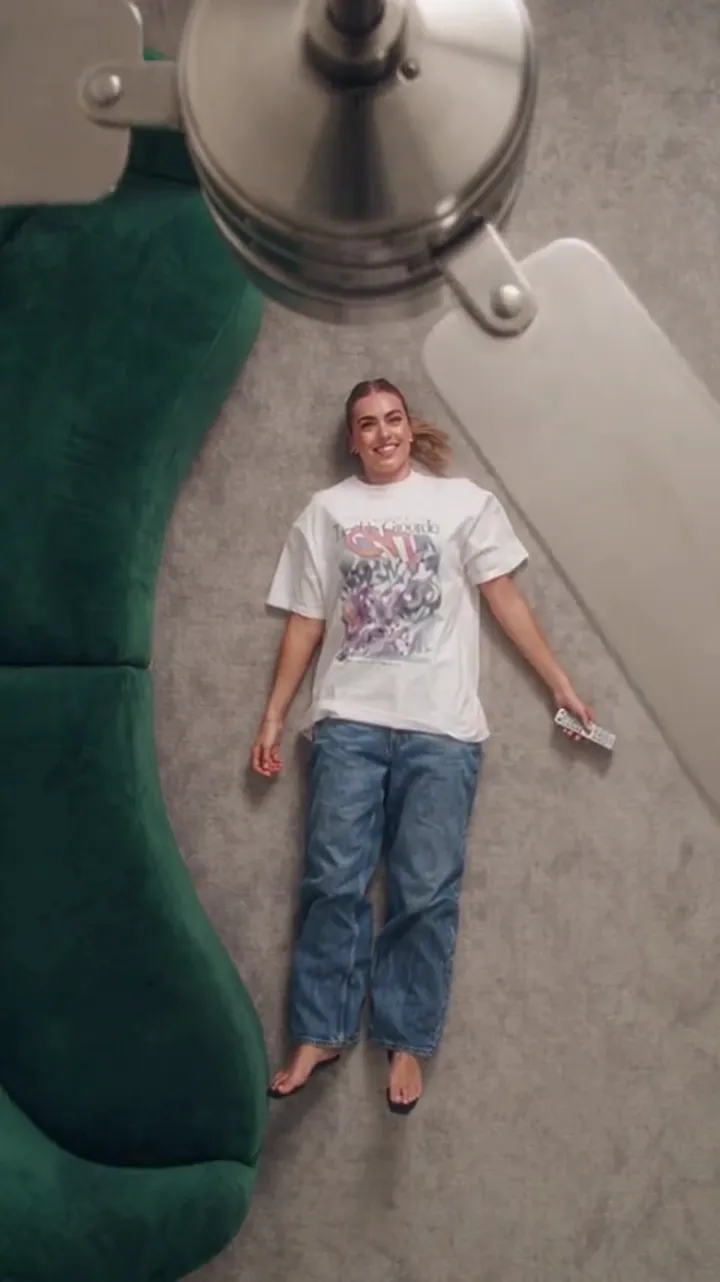
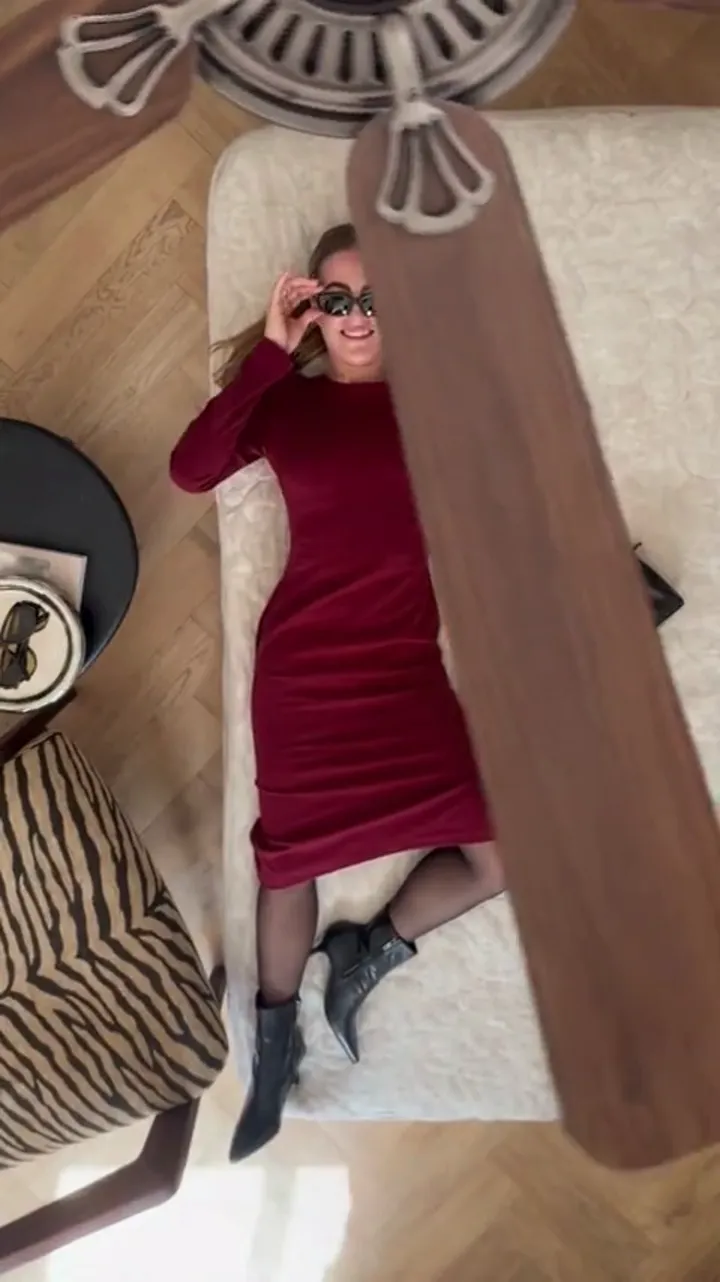
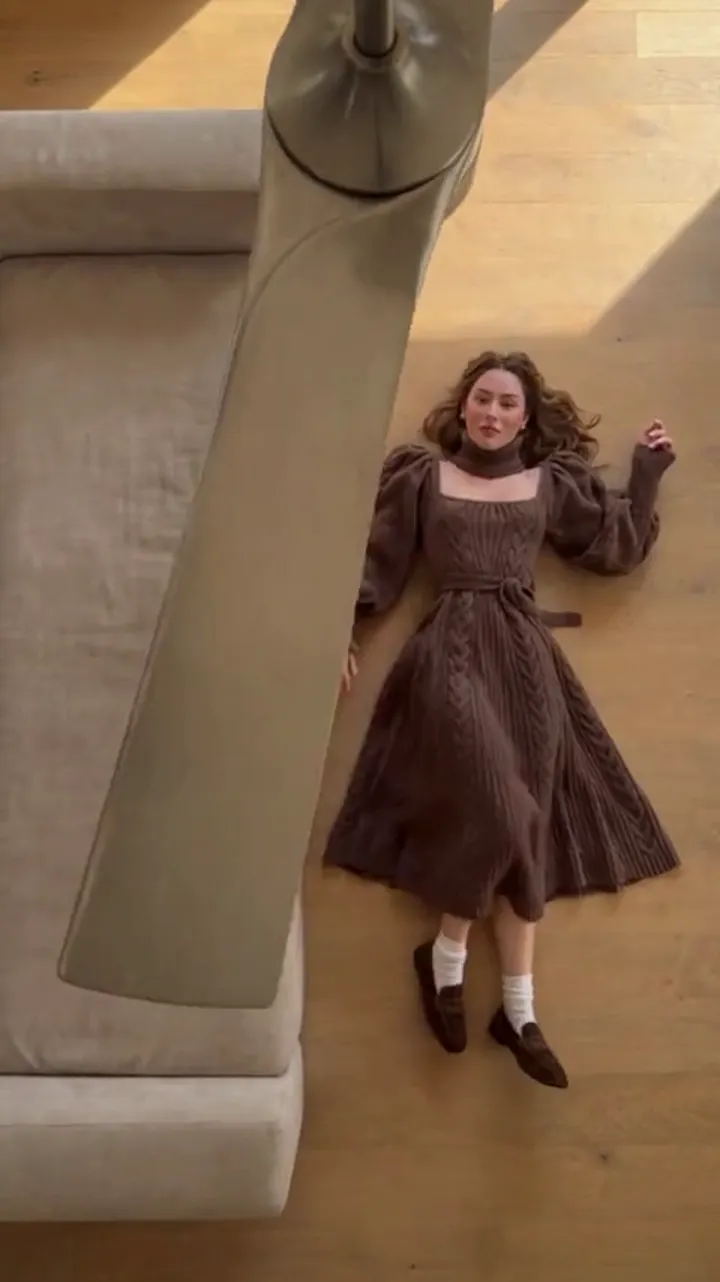
Ceiling Fan Trend on TikTok: How the Transition Spreads
How the ceiling fan transition spreads on TikTok, what the first three seconds must do, and how to caption an AI outfit-change clip without overselling it.
Ceiling Fan AI editorial team · Updated October 12, 2026
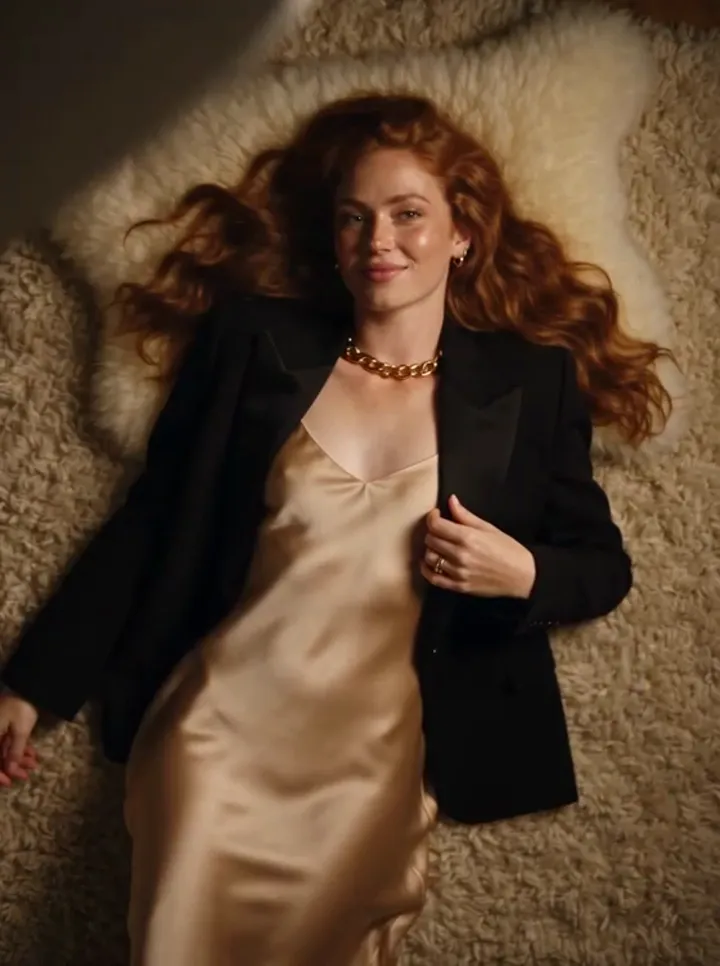
The ceiling fan trend on TikTok is easy to recognise and awkward to describe in one line: a person stands in a room, a ceiling fan blade sweeps across the frame, and when the frame is readable again the person is wearing something else. The blade comes back, and the outfit changes again. Nothing else in the room moves. That is the whole idea, and it is why the trend spread the way it did.
This guide covers three things: how the format travels between creators, what the opening three seconds have to accomplish, and how to caption a clip honestly when the outfit change was generated rather than filmed.
Why the trend spreads as a format, not as a single clip
Most TikTok trends are carried by one sound. This one is carried by a structure. The audio changes from video to video — some clips use a bass drop timed to the blade, some use a slow ballad, some use dialogue — but the visual grammar stays the same: stable frame, blade pass, new outfit, repeat. Because the structure is the hook, anyone can enter the trend with any track, which is exactly what makes it reusable across audiences that share nothing else.
The structure also survives a wide range of production quality. A phone propped against a bookshelf with a real fan and a pile of shirts sits next to a polished generated clip in the same feed, and both read as the same joke. The trend is legible at a glance, so the viewer does not need a caption or an explanation to follow it.
The third reason is short duration. Most versions run six to twelve seconds. That is long enough for two or three reveals and short enough that the loop feels intentional. When a clip of this kind ends, the platform replays it, and the replay reads as another pass of the same gag rather than a repeat.
How a generated version of the trend is put together
If you want to make this clip without a real fan, a ladder and a wardrobe rack, the workflow on Ceiling Fan AI is deliberately short. Each step below is what the site actually asks for.
- Sign in with your email address. A new email account starts at 0 credits, and the sign-in panel pays seven claims of 10, 20, 30, 10, 10, 10 and 10 credits, one claim per 24 hours. The first two claims are 30 credits together, which is exactly one 1080p, 12-second generation. Google sign-in is not offered on this site.
- Upload one clear photo of the person. Their face, hair and build are preserved. Their clothes are not — the clothes are what the trend changes.
- Add up to four more photos, one per outfit, in the order you want them revealed. Each file must be a JPG, PNG or WebP of 10 MB or less, and there are five photo slots in total. Leave the outfit slots empty if you would rather describe the outfits in text.
- Write the prompt if you are using text for the outfits. On the site the camera move, the blade wipe and the identity rule are fixed by the preset you choose, so your text is a wardrobe list rather than a shot description. The prompt guide shows three worked examples.
- Choose the shape and length: 9:16, 1:1 or 16:9, and 6 or 12 seconds.
- Confirm the generation. A 1080p 12-second clip costs 30 credits; the "standard video" quoted on the pricing cards is 720p for 12 seconds at 10 credits. The studio shows the exact credit cost for the combination you picked before you confirm.
- Download the result. Downloads are included once a generation is charged — there is no watermark and no second unlock fee.
- Post it with your own audio.
Results are private by default. You can choose to publish a single result to the site gallery, but nothing is published for you.
What the first three seconds have to do
The first three seconds carry almost all of the trend's weight, because that is where a scrolling viewer decides whether the clip is worth finishing. Three jobs need to happen in that window. The frame has to look settled, the blade has to enter early enough to promise a change, and the first reveal has to land before the viewer's attention runs out.
A clip that opens on a moving camera, a face half out of frame, or four seconds of a static room before the fan appears usually loses the viewer before the payoff. A clip that opens on a locked frame with the person already posed, then puts the blade through the frame inside the first second, keeps the promise the thumbnail made.
| Opening decision | What works | What loses the viewer |
|---|---|---|
| Camera | Locked, one framing for the whole clip | Drift, zoom, or a shake that hides the blade |
| Person | Centred, full outfit visible, feet or knees in frame | Cropped at the shoulders so the outfit cannot read |
| Blade entry | Inside the first second | Later than about 1.5 seconds |
| First reveal | Landed by second 3 | Pushed to the end of the clip |
| Text on screen | Short hook, three to five words | A block of caption covering the outfit |
| Length | 6 seconds for two looks, 12 for three or four | Long setups that delay the change |
The outfit also has to be readable at a glance. A change from a grey jumper to a slightly darker grey jumper does not register in a quarter-second glimpse. A change from a denim jacket to a red dress does.
Captions that stay honest
The trend looks like a wardrobe-change trick, so a caption that implies a filmed wardrobe shoot is misleading when the clip was generated. Say what the clip is. A short, plain line is enough, and viewers respond to it better than they respond to being fooled.
Useful caption patterns:
- "AI ceiling fan transition — four outfits, one photo."
- "Made with an AI fan transition tool. The blade does the cutting."
- "One photo in, four looks out. Generated, then posted."
Add two more habits. First, if the platform you post on offers an AI-content label, use it; TikTok, Instagram and YouTube each label generated media in their own way, and the rules are theirs to enforce. Second, keep the credit where it is due but do not invent one. Do not imply a clothing brand, a music label, or a platform built the clip with you. Ceiling Fan AI is a browser tool at https://ceilingfanai.com, it is not affiliated with TikTok, Instagram, Pixazo, Media.io, Higgsfield, Google Flow, or Seedance and ByteDance, and none of those companies are partners in your video.
One more honest note that belongs in the caption's spirit even if it never reaches the screen: this is a stylised generated transition, not a filmed wardrobe shoot. Identity and framing are preserved, but details can drift between generations — hands, the exact fall of fabric, the precise face in a given pass. Results vary per run, and regenerating is a normal part of using the tool rather than a sign that you did something wrong.
Getting it onto the phone and into the feed
The site is a browser tool, so there is nothing to install and no app-store step. You can open it in the browser on your phone, generate, then download the MP4 and move it into your camera roll before you open TikTok. The app guide walks through that path in detail, including the add-to-home-screen shortcut that behaves like an icon.
Two practical notes about posting. The clip is silent unless you ask for sound, because most people post it with their own track, so plan on adding audio in the platform's editor. And if you post the same structure repeatedly, vary the outfit count and the first frame; a format that reads as new each time holds up longer than the same clip with different music.
Frequently asked questions
Is the ceiling fan trend on TikTok filmed or AI-generated?
Both versions exist. Many clips are filmed with a real fan and real outfit changes, and many are generated from a single photo. The structure is identical, so the honest thing is to say which one yours is.
How long should the clip be?
Six seconds covers two looks comfortably, and twelve seconds covers three or four. The site supports 6- and 12-second clips in 9:16, 1:1 and 16:9.
Do I need a real ceiling fan?
No. The blade wipe is part of the generated transition, so the room, the fan and the wipe are supplied by the preset. You supply the photo and the outfits.
Can I use my own audio?
Yes, and most people do. Generations are silent unless you ask for sound, so you add the track in the app where you post it. Check that you have the right to use the track on that platform.
What does a clip cost?
A 1080p 12-second generation costs 30 credits, and the standard 720p 12-second clip on the pricing cards is 10 credits. New email accounts start at 0 credits and can collect 10, 20, 30, then 10 credits a day across seven sign-ins, which covers a first video on day two. Credit packs are one-time purchases and never expire.
Will the same photo give the same result twice?
No. Each run varies, which is normal for this kind of generation. If a pass drifts in the hands or the fabric, run it again with the same inputs or change one outfit in the list.
Where to go next
If you want the wardrobe list to do more of the work, read how the prompt works. If the photo you plan to use is the weak link, start with what photo works for the ceiling fan transition. And if you are choosing between a single pack and a subscription for regular posting, the pricing page lists both, with the credit totals and the expiry rules spelled out.