Fan Transition Prompt: How to Write the Outfit List
The fan transition prompt does one job: it lists the outfits in order. Here is what the preset fixes, what your text changes, and three prompts to paste in.
Ceiling Fan AI editorial team · Updated October 12, 2026
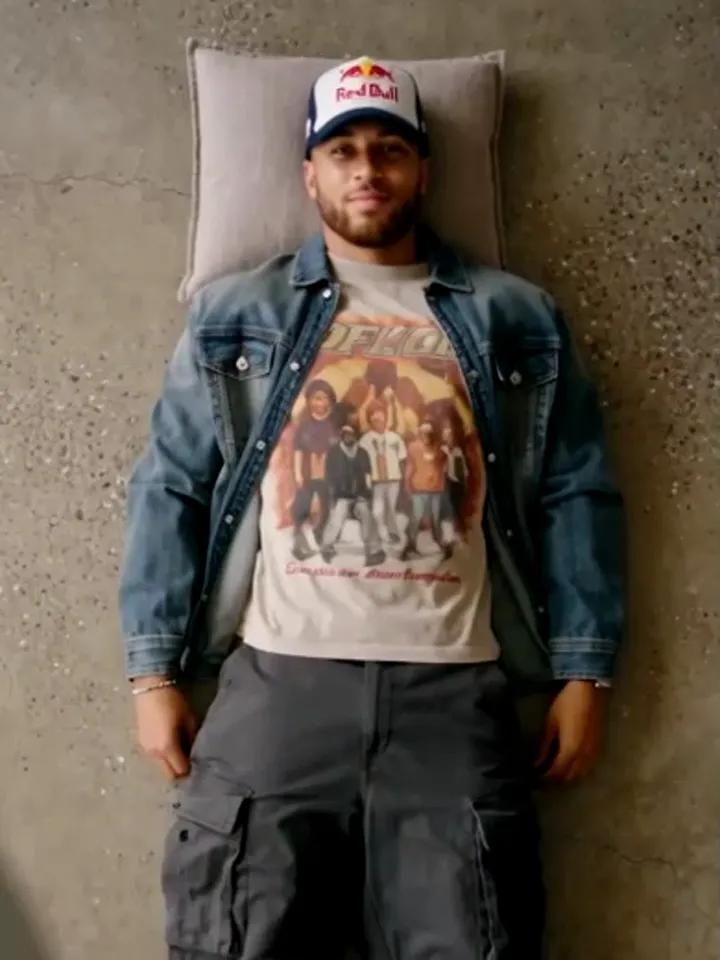
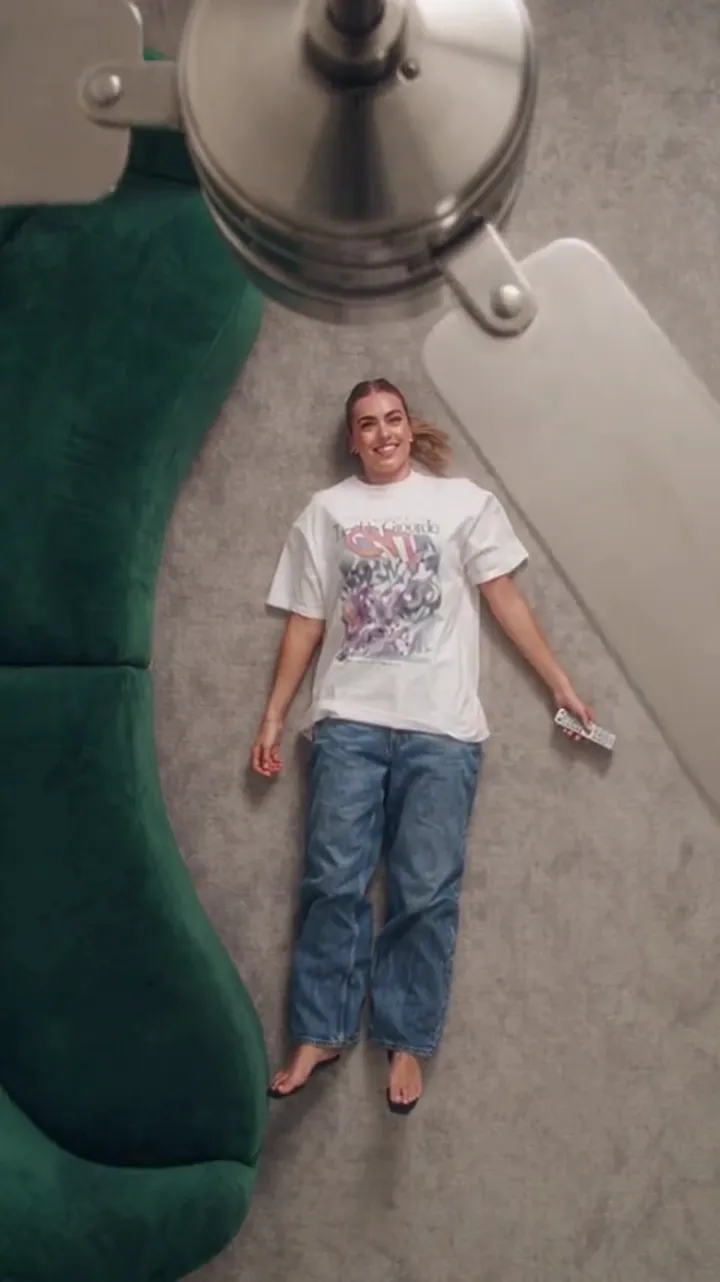
People expect a prompt box to work like a director's chair: describe the shot, and the shot happens. A fan transition prompt does not work that way. On Ceiling Fan AI the shot is already described — the preset supplies the room, the camera, the blade wipe and the identity rule — and the text box takes one job only. It tells the tool which outfits to reveal, and in what order.
That is not a limitation to work around. It is the reason the effect is consistent. Once you know that the text is a wardrobe list rather than a shot list, writing it takes about a minute, and the results stop looking like a lottery.
What the preset fixes, and why
Every generation on the site runs a fixed recipe: a stable camera, a spinning blade that wipes across the frame, and an identity rule that keeps the person's face, hair and build while letting the clothes change. The prompt cannot move the camera, slow the blade, or change who is on screen. Those decisions are locked so that a clip made today looks like the clip you made last week.
What the prompt does control is the wardrobe: how many changes there are, what each one is, and the order they appear. The model behind the site is a single standard setup — Seedance 2.0 through kie.ai — and it is asked for a short clip of 6 or 12 seconds. Within that window, the number of reveals is really a function of how many distinct outfits you name.
| Prompt element | Who controls it | What you can change |
|---|---|---|
| Room and background | Preset | Nothing. The scene stays put. |
| Camera move and framing | Preset | Nothing. One locked shot. |
| Blade wipe timing | Preset | Nothing. The wipe is the transition. |
| Face, hair and build | Preset identity rule | Nothing, beyond choosing a clear photo. |
| Outfit list and order | Your text (or outfit photos) | Everything: colours, fabrics, silhouettes, sequence. |
| Number of reveals | Your text | Fewer or more, up to what fits the clip length. |
| Aspect ratio and length | Studio settings | 9:16, 1:1 or 16:9; 6 or 12 seconds. |
The rules that keep a prompt working
Four rules cover almost every good prompt on this site.
Name the outfit, not the mood. "Autumn layers" is a direction; "camel wool coat over cream knit" is an outfit. The tool can only reveal clothes you describe, and vague adjectives tend to produce two looks that are too similar to read as a change.
Put one outfit per line, in reveal order. The order you write is the order it appears. If the strongest look is the third one, it lands on the third pass. If you want it early, write it early.
Keep each outfit to a colour, a fabric and a shape. "Charcoal wool blazer, ivory shirt" is enough. A paragraph per look dilutes the list and makes the reveals drift toward each other.
Do not direct the camera. Asking for a slow push-in, a spin, or a change of angle will not move the preset, and instructions that fight the fixed recipe waste characters and attention. The box holds 500 characters, so waste is real.
Two more practical points. Photos and text can be mixed: if you upload outfit photos, you can still use text to describe the mood, and if you leave the outfit slots empty the whole video is made from your prompt alone. And the text box is optional — with a person photo and no outfits at all, you still get a transition, just fewer looks.
Writing one in five steps
- Choose the person photo first, because it decides how reliably the identity rule holds. A front-facing, evenly lit photo is doing more for the result than any adjective you can type.
- Count the reveals you want. Two looks suit a 6-second clip; three or four suit 12 seconds. Decide the number before you write, so the list does not sprawl.
- Write one outfit per line, in the order you want them to appear. The strongest look belongs where you want attention, usually first.
- Give each line a colour, a fabric and a silhouette. "Burgundy suede jacket, oatmeal knit" reads as a change; "nice jacket" does not.
- Close with one constraint line that applies to the whole clip — a palette, a level of formality, or a rule about accessories — and then stop. Under the 500-character limit is the target, not the maximum.
That order matters because each step narrows the next one. Counting first stops you from writing five looks that have to survive three blade passes, and writing the constraint last keeps it from fighting the outfit lines.
Three copy-paste prompts
Each of these fits comfortably inside 500 characters, names one outfit per line, and leaves the camera alone.
Autumn layers
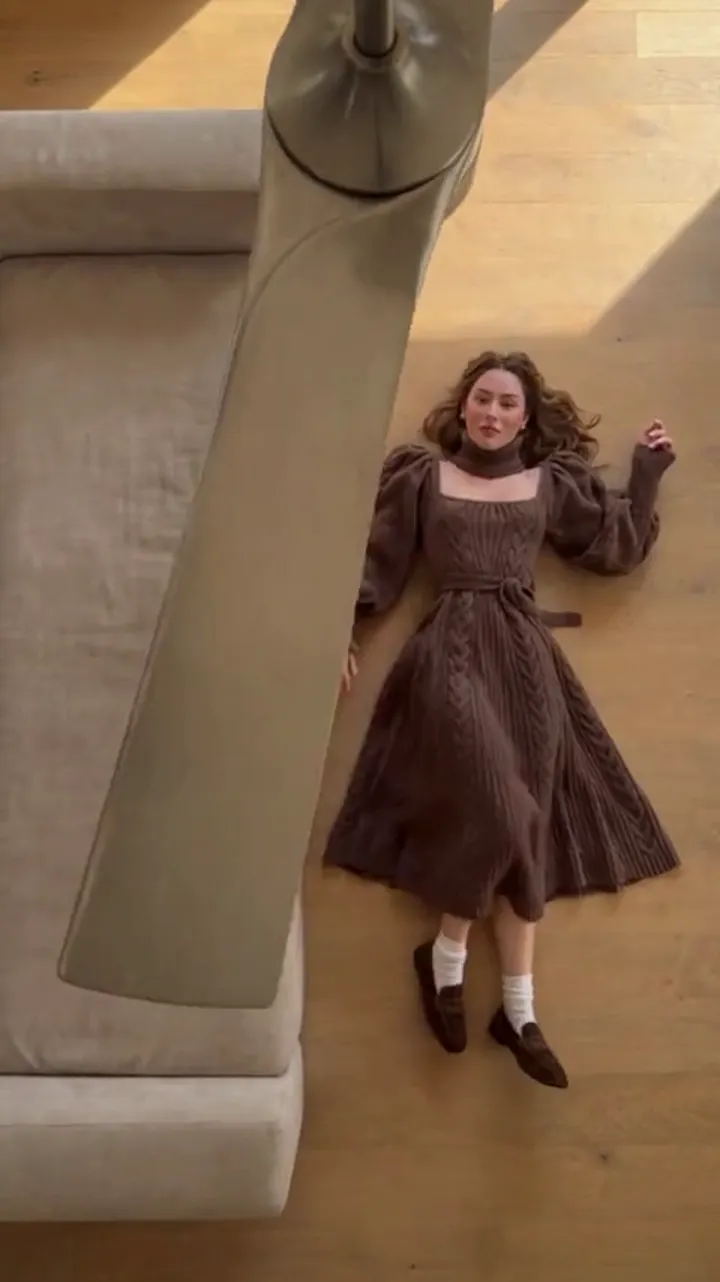
Outfit 1: camel wool overcoat, cream turtleneck, dark denim.
Outfit 2: rust corduroy jacket, olive knit scarf, brown boots.
Outfit 3: charcoal peacoat, grey cable sweater, black trousers.
Outfit 4: burgundy suede jacket, oatmeal cardigan, tan chinos.
Warm autumn palette, natural fabrics, no accessories changing between looks.
Why it works: every outfit has a different dominant colour, so each blade pass lands as a visible change rather than a shade shift. The last line is a constraint, not a shot direction — it tells the tool what stays constant.
Festive costume
Outfit 1: emerald velvet blazer with gold trim.
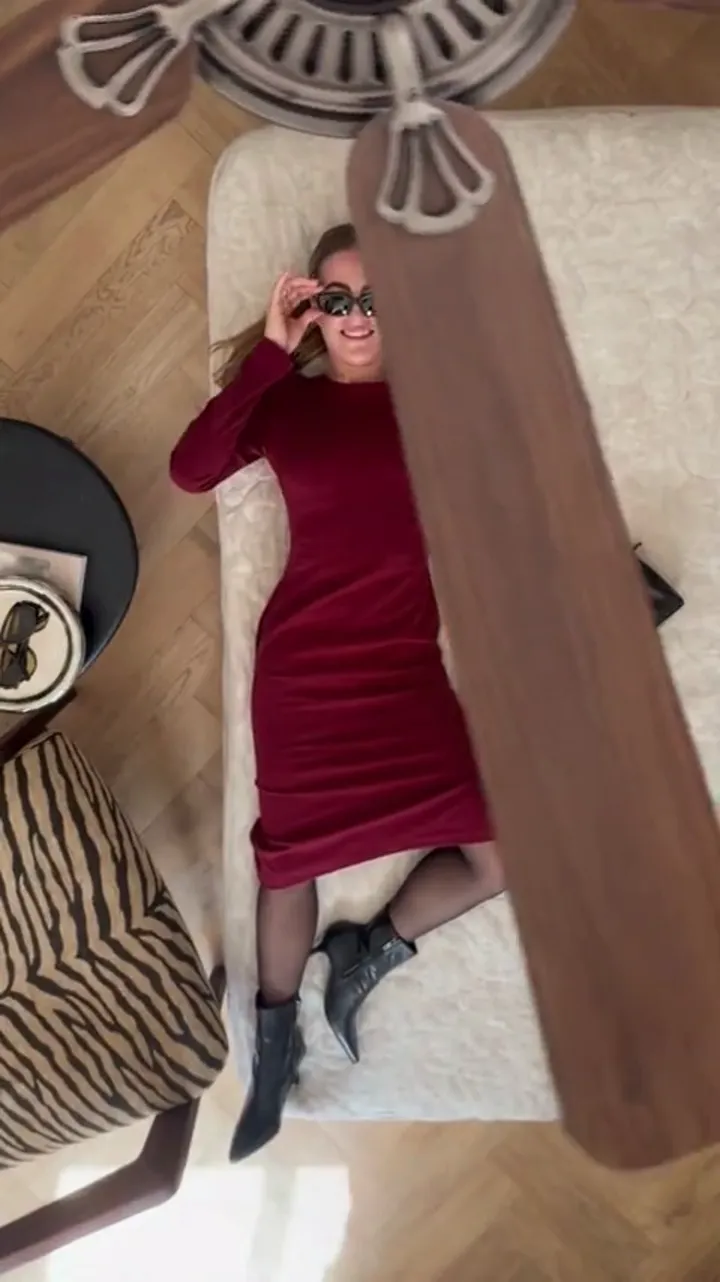
Outfit 2: deep red velvet dress, gold earrings.
Outfit 3: silver sequin blazer over black slip dress.
Outfit 4: cream faux-fur coat, red satin dress.
Festive costume feel, wintry palette, jewellery changes only with the outfit.
Why it works: festive clips live or die on sparkle contrast, so the list alternates matte velvet with sequin and satin. Naming the accessory inside the outfit line keeps it attached to the right pass.
Editorial runway
Outfit 1: structured black blazer, sharp white shirt, tailored trousers.
Outfit 2: oversized grey wool coat, black turtleneck, leather gloves.
Outfit 3: ivory silk slip dress, oversized charcoal blazer.
Outfit 4: monochrome navy suit, silk tie, polished leather shoes.
Editorial runway styling, minimal palette, clean silhouettes, no visible branding.
Why it works: the palette stays narrow on purpose, and the change reads in silhouettes — structured, oversized, fluid, tailored. If you want the reveals to look sharper rather than more colourful, tighten the palette instead of widening it.
If the result drifts
Two problems come up often, and both have prompt-level answers.
The reveals look too similar. Your outfits share a dominant colour or the same fabric family. Swap one for a clearly different hue or a different structure — a coat against a slip dress reads better than two coats.
The first pass looks nothing like the photo. That is an input problem rather than a text problem. A dim, tilted, or partially obscured photo gives the identity rule less to work with. The photo guide covers lighting, framing and face visibility, and it is worth reading before you rewrite the prompt.
It also helps to know what you are buying. Generations are charged when they run: a 1080p 12-second clip costs 30 credits, and the standard 720p 12-second clip quoted on the pricing cards costs 10 credits. Downloads are included in that charge, with no watermark and no second unlock fee. Because each run varies a little, expect to regenerate once to land the version you want, and budget credits accordingly.
Frequently asked questions
Do I have to write a prompt?
No. The prompt box is optional. With a photo and no text you get a transition; with text and no photo the whole clip is built from the prompt alone.
How many outfits should I list?
Two for a 6-second clip and three to four for a 12-second clip. More than four in twelve seconds makes each reveal too short to register.
Can I ask for a specific camera move?
No. The camera, the wipe and the identity rule are fixed by the preset. Text that describes camera work will not change the shot.
Should I describe the person?
No. The person comes from the photo, and their face, hair and build are preserved by the preset. Spend the characters on clothes instead.
Do the outfit photos and the prompt fight each other?
They can. If you upload outfit photos, use the text for overall constraints — palette, era, formality — rather than a second, competing wardrobe list. How the photo slots work explains the order.
How long can the prompt be?
500 characters, which is roughly four outfit lines plus one constraint line. Keep it shorter than the limit and the list stays readable.
Where to go next
If you are still choosing between a one-time pack and a subscription, the pricing page compares them. If you want the trend context before you write, start with how the ceiling fan trend spreads on TikTok. And if you are making the clip on your phone rather than a laptop, the app guide shows how the finished file reaches your camera roll.