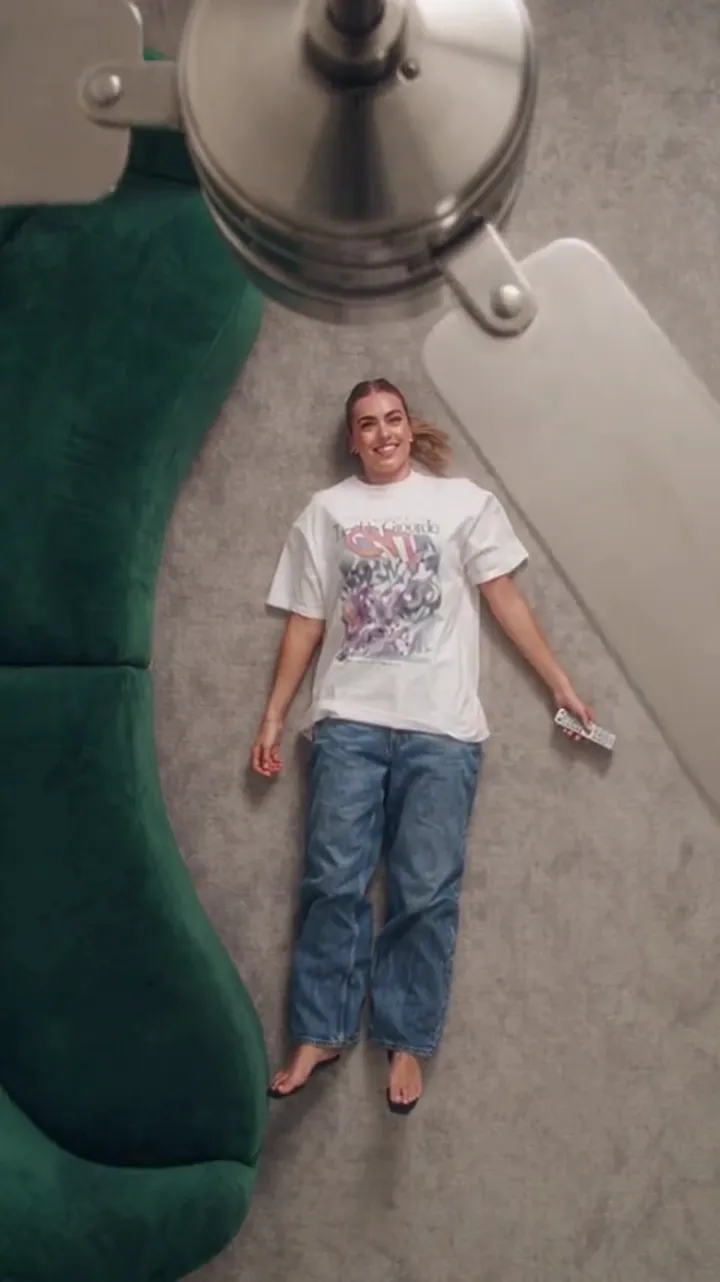
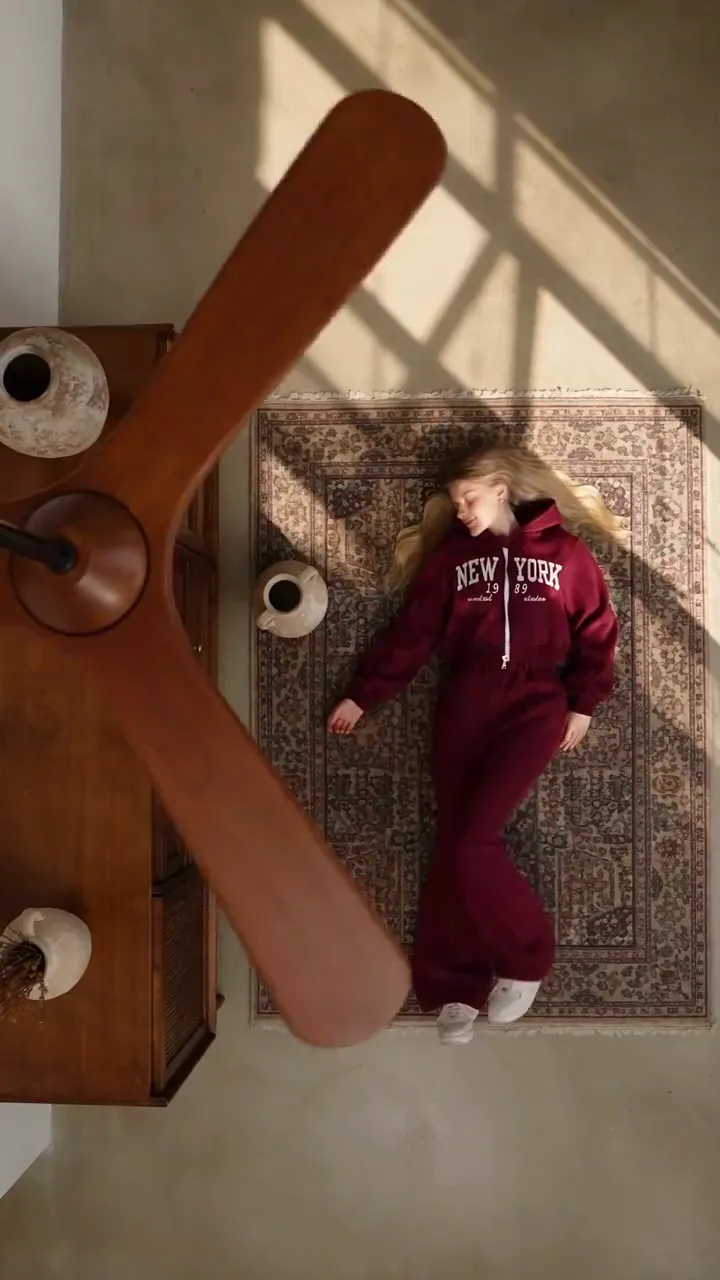
Fan Transition AI Free: What You Can Make at No Cost
What is genuinely free on this tool: seven sign-in claims of 10, 20, 30, 10, 10, 10, 10 credits every 24 hours, and how to make your first clip without paying.
Ceiling Fan AI editorial team · Updated October 12, 2026

People search "fan transition ai free" hoping for an unlimited generator. There is no such thing, because every video is rendered by a paid model and each render has a real cost. What does exist here is a free path that is genuine: seven sign-in claims paid one per day, which together reach the price of a clip.
This page explains exactly what is free, what is not, and how to get your first AI ceiling fan transition without spending anything.
The free credits, in detail
A new email account starts at 0 credits. There is no Google sign-in on this site, so the way in is an email address and a verified inbox. Once you are signed in, the panel pays seven claims, one every 24 hours:
| Claim | Credits | Running total |
|---|---|---|
| 1 | 10 | 10 |
| 2 | 20 | 30 |
| 3 | 30 | 60 |
| 4 | 10 | 70 |
| 5 | 10 | 80 |
| 6 | 10 | 90 |
| 7 | 10 | 100 |
Two rules matter. The bonus balance is capped at 100 credits, and bonus credits expire 30 days after they are granted. So the free path pays a maximum of 100 credits in total, and you need to spend them while they are still valid.
The important consequence is the shape of the curve. After two claims — on day one and day two, 24 hours apart — you already hold 30 credits. That is exactly the price of one default video: 1080p, 12 seconds.
What one video costs
Credits scale with length and resolution. Price is computed from the 12-second rate for each resolution, then scaled to 6 seconds and rounded up to a whole credit.
| Length | 480p | 720p | 1080p |
|---|---|---|---|
| 6 seconds | 3 credits | 5 credits | 15 credits |
| 12 seconds | 5 credits | 10 credits | 30 credits |
The "standard video" you see on the pricing cards means 720p for 12 seconds and costs 10 credits. The site's default is 1080p for 12 seconds at 30 credits, which is the most expensive single clip.
That means your first 30 free credits can buy one of these:
- One 1080p, 12-second clip at the default setting.
- Three standard 720p, 12-second clips.
- Six 6-second 720p clips, or ten 6-second 480p clips.
Nothing else on the site spends credits. Browsing the scenes, reading the guides and previewing examples are all free.
How to make your first clip without paying
- Sign in with an email address and verify it. The claim button does not pay until the address is verified.
- Claim the first reward: 10 credits. That is enough for one standard 720p clip or two short 6-second 720p clips.
- Choose a scene preset. The room, the camera and the fan are fixed by the preset, so this step costs nothing and decides nothing about your credits.
- Add one clear photo of the person, then up to four outfit photos in the order you want them revealed — the outfit guide explains the ordering. You can also generate from the prompt alone.
- Set the length and resolution to what the balance covers. The studio shows the exact price before you commit, and it never charges until generation starts.
- Generate. Come back after 24 hours and claim the 20-credit reward; the total is now 30 credits and covers the 1080p default.
If you claim on day one and day two and spend nothing else, you have made a video for nothing. The main guide shows the same workflow with the settings explained.
What is not free
Being straight about this saves time:
- There is no unlimited free tier and no daily free quota. The seven claims are a one-time sequence per account, not a recurring grant.
- Bonus credits expire 30 days after each claim. Free credits are not the same as bought credits.
- Credit packs and subscriptions are paid. Packs are one-time and never expire: 10 credits for $9.90, 30 for $19.90, 100 for $39.90, 250 for $79.90 and 600 for $149.
- Private results need a completed purchase, so a 100% free account should keep its result public.
- There is no cash refund for spent credits, though a generation that fails returns its credits to your balance automatically.
If you would rather buy once and never think about expiry, the one-time packs are the simplest route. You can see every option side by side on the pricing page.
Choosing how to spend 30 credits
Say you have claimed twice and hold 30 credits. Two honest strategies:
- One big clip. Spend all 30 on a 1080p, 12-second video. Best if you want a single polished post.
- Three smaller clips. Spend 10 credits at a time on standard 720p, 12-second videos. Best if you are still learning what photos and prompt give a good result, because you get three tries.
Most people who are new to the tool learn more from three 720p attempts than from one 1080p attempt. On a phone screen the difference between 720p and 1080p is small; the difference between one attempt and three is large. The resolution guide covers when 1080p is worth it.
FAQ
Do I really get free credits here?
Yes, but only the seven sign-in claims. Each adds the next amount in the sequence 10, 20, 30, 10, 10, 10, 10, one claim every 24 hours, up to a capped bonus balance of 100 credits.
Why does my free balance stop at 100?
Because the sequence totals 100 and the bonus balance is capped there. After the seventh claim there is no eighth free claim; further credits come from a pack or a subscription.
Do the free credits expire?
Yes. Bonus credits are valid for 30 days from the day they are granted, so a claim you never spend does not wait for you indefinitely. Bought credits behave differently: one-time packs never expire.
Can I get a free video without signing in?
No. Generation requires an account, because the render is charged to a balance. Browsing the scenes and examples works signed out.
What is the cheapest way to test the tool?
Claim two days running, then spend 10 of your 30 credits on one standard 720p, 12-second clip and keep the remaining 20 for a second or third attempt. That way your first look at the tool costs nothing but an email address.