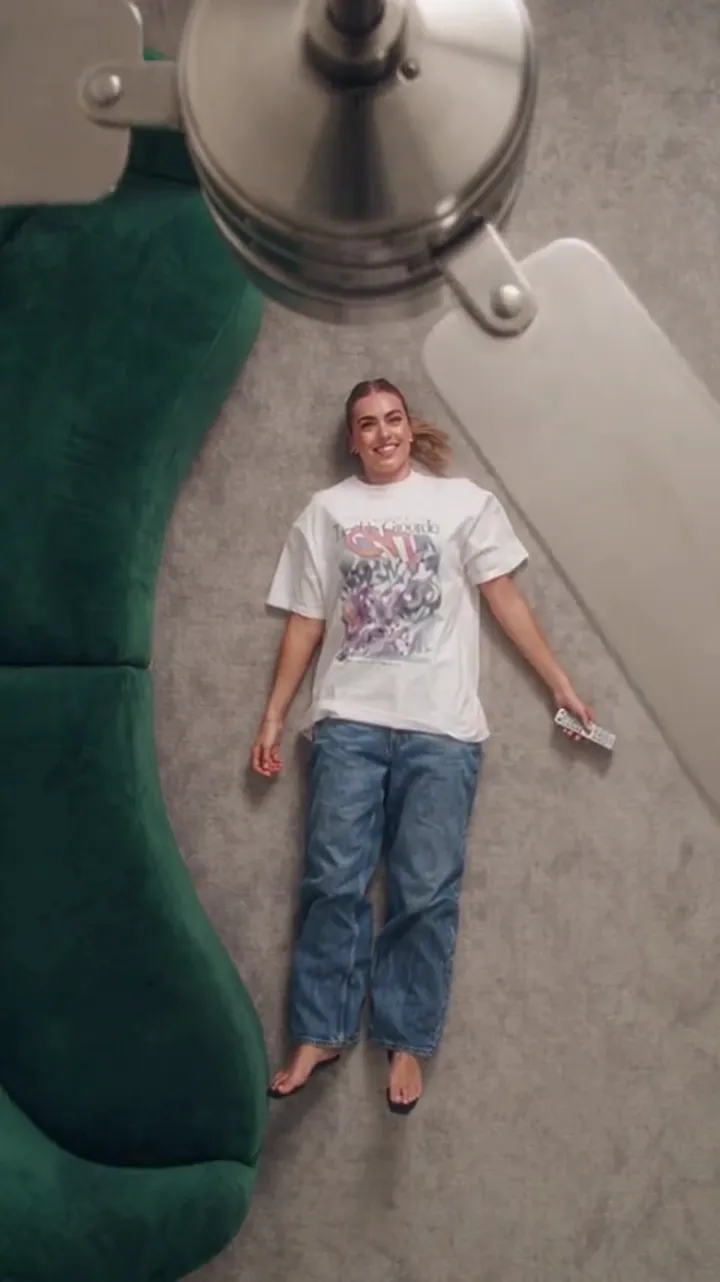
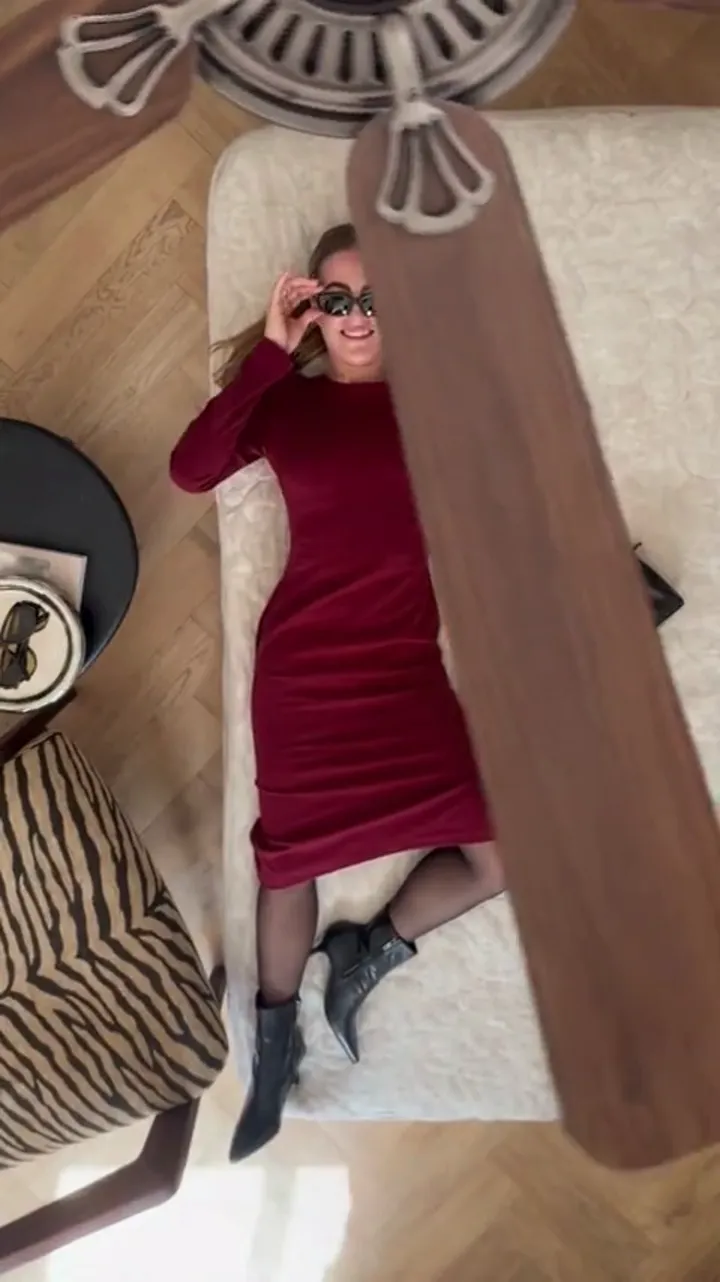
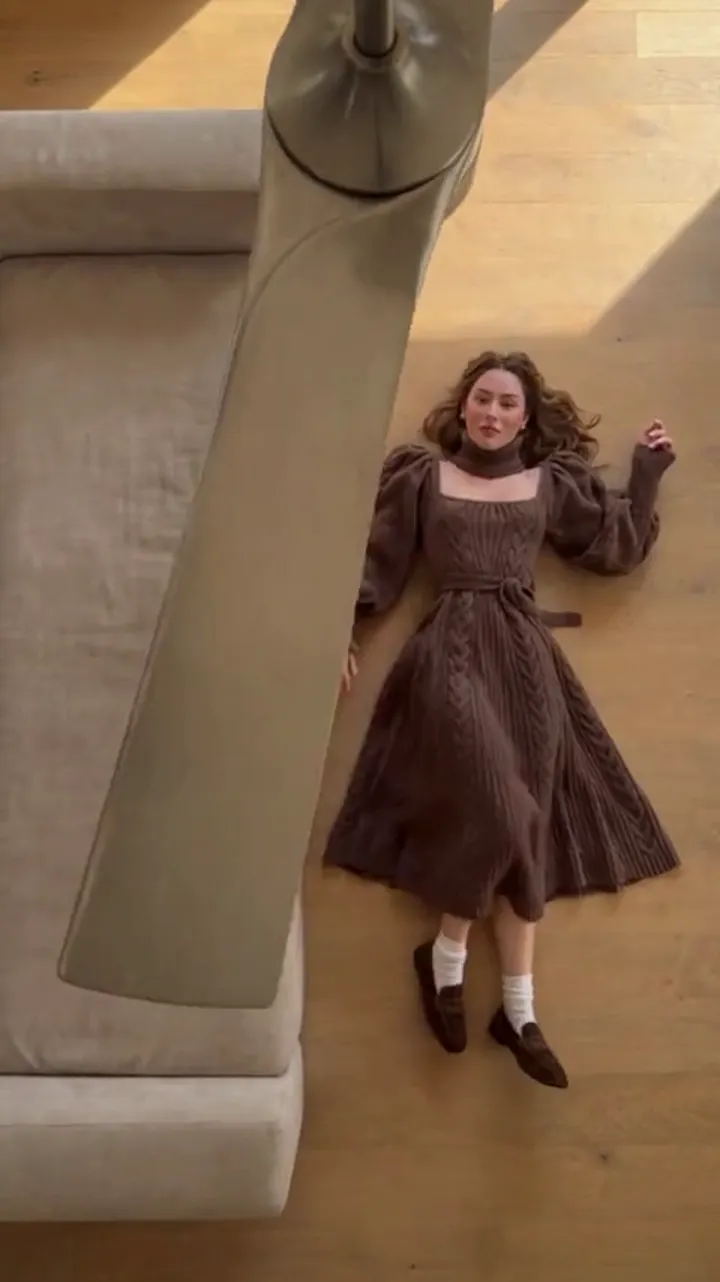
Fan Transition AI TikTok: 9:16 Output and Adding Sound
Generate a vertical 9:16 clip for TikTok, then add your own track in the app. Why the file ships silent, and how to set up a post that plays full screen.
Ceiling Fan AI editorial team · Updated October 12, 2026

A ceiling fan transition is made for TikTok. It is short, it loops, and the outfit change lands on a beat that fits any trending sound. The one thing to plan for is sound: the clip you generate is a silent MP4, on purpose, so you add the track in TikTok itself.
This page covers the vertical format, the export, and the fastest way to turn the file into a post.
Why the clip ships silent
Music is licensed to a platform, not to a generator. A track that is cleared inside TikTok is not cleared inside a video tool, and a tool that baked in a song would leave you with a file you might not be allowed to post. So this tool makes a clean video and leaves the audio to you.
There is also a practical reason. The transition reads best when the change lands on the beat of the sound you choose. If the model guessed a track and you swapped it, the cut would land off-beat. A silent clip gives you full control over where the change sits.
Sound can be generated with the video if you turn it on in the studio, but it is off by default for exactly this reason. For TikTok, keep it off and add the track in the app. The video guide explains the sound toggle alongside the other settings.
Choosing the vertical format
The studio offers three aspects. For TikTok, pick 9:16.
| Aspect | Shape | Where it fits |
|---|---|---|
| 9:16 | Full vertical, 1080×1920 at top resolution | TikTok, Reels, Shorts, full-screen viewing |
| 1:1 | Square | Feed posts, profile grids |
| 16:9 | Widescreen | YouTube landscape, desktop playback |
9:16 fills the whole screen with no black bars. If you generate 1:1 or 16:9 and post it to TikTok, the app will letterbox it or force you to crop, and a crop can cut the blade out of the frame at the moment it matters. Generate vertical and you keep the wipe where you designed it.
Length matters too. TikTok rewards a clip that ends before attention does, and the loop helps. Six seconds is a tight loop; twelve seconds gives you room for three or four outfit changes. Both fit the format, so pick by how many looks you are revealing.
The post checklist
- Generate the clip at 9:16. If it is a keeper, 1080p; if you are testing, 720p for 10 credits is fine.
- Download the MP4. Downloads are included the moment the generation was charged: no watermark, no second unlock fee, no extra credits.
- Save it to your camera roll. On a phone, the share sheet sends it straight to the app.
- Open TikTok and start a new post. Upload the clip from your gallery rather than recording in-app.
- Add sound inside TikTok. Browse the trending list and pick a track that has a clear beat, then line the outfit change up with it.
- Trim if you need to. Because the clip is short and silent, trimming never breaks audio sync.
- Write the caption, then post. Vertical, sound on, done.
If the change lands slightly before or after the beat, the fix is in the edit, not in a regeneration. Nudge the clip a frame or two along the timeline until the new outfit appears with the hit.
Making the change land on the beat
The wipe is the beat. The blade crosses the frame, the outfit changes, and a viewer's eye follows the blade because it is the only fast movement in the shot. Practically:
- Choose a sound whose drop or turnaround is early enough that the change is not the last thing on screen.
- Keep the clip short enough to loop. A 6-second clip that loops cleanly can carry a full trend sound.
- Avoid long dead air at the start. Trim the opening if the blade takes a moment to arrive.
A viewer should be able to watch the clip once and understand it without reading the caption. The blade does the explaining; the sound does the emphasis.
Formatting details that affect the post
A few small things decide whether a good clip reads as a good post:
- Text overlays. If you add a caption on screen, keep it in the middle third, clear of the top and bottom where TikTok's interface sits.
- Cover frame. Pick a frame where the person is fully visible rather than mid-wipe, so the grid thumbnail reads clearly.
- Loops. Because a silent clip has no audio to cut, it loops without a seam, which suits this effect well.
- Cost. Vertical clips cost the same as any other aspect: 480p is 5 credits for 12 seconds, 720p is 10 and 1080p is 30. See the pricing page for packs and plans.
Honest limits for a TikTok post
The clip is a stylised generated transition, not filmed footage. Some runs come out better than others, and a detail like a hand or a fold of fabric can drift for a frame. Regenerating is normal, and it is why testing at 720p first saves credits.
If you post AI-generated video, follow TikTok's own rules and label it when the platform requires it. Nothing here promises reach or views: the tool makes a clip, and the platform decides what happens to it. And this tool is not affiliated with TikTok or Instagram.
If you want to understand why a clip reads as a real transition at all, see the trend guide. For the wider picture of how the effect works before you post, start with the main explainer.
FAQ
Does the clip come with sound?
No. The download is a silent MP4 by design, so you can add a track in the app where you post it and line the outfit change up with the beat.
Which aspect should I choose for TikTok?
9:16, the full vertical format. It fills the screen with no bars and keeps the blade in frame, so the wipe is not cropped.
Why not bake music into the video?
Because music is licensed per platform. A track cleared inside TikTok is not automatically cleared inside a video tool, so the clean file is the safer thing to download.
How long should the clip be?
Six seconds loops tightly and suits a single change; twelve seconds fits three or four outfits. Both work as vertical posts, so choose by how many looks you are revealing.
Can I post the same file to Instagram Reels?
Yes. 9:16 suits both, and the file is silent on every platform, so you add the track separately wherever you post it.