AI Ceiling Fan Trend: What Makes a Clip Read as Real
Where the AI ceiling fan trend came from, the three things that make a clip read as one continuous shot, and the common mistakes that break the illusion.
Ceiling Fan AI editorial team · Updated October 12, 2026
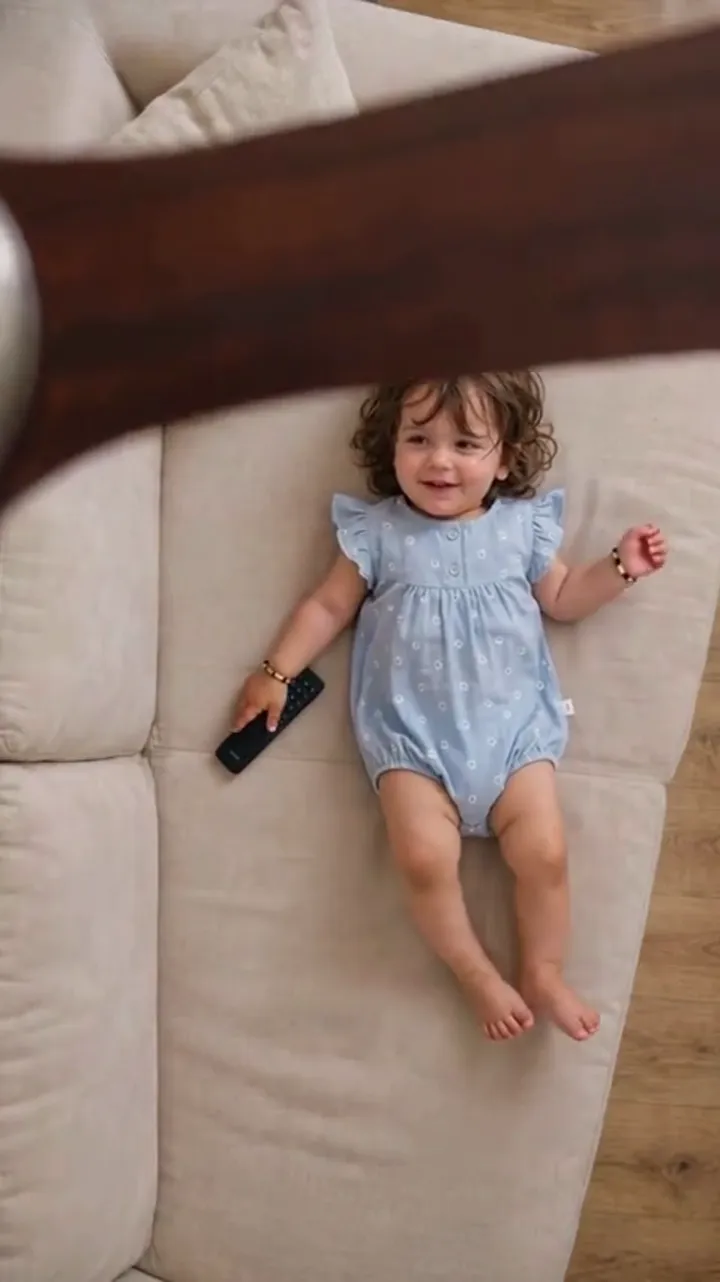
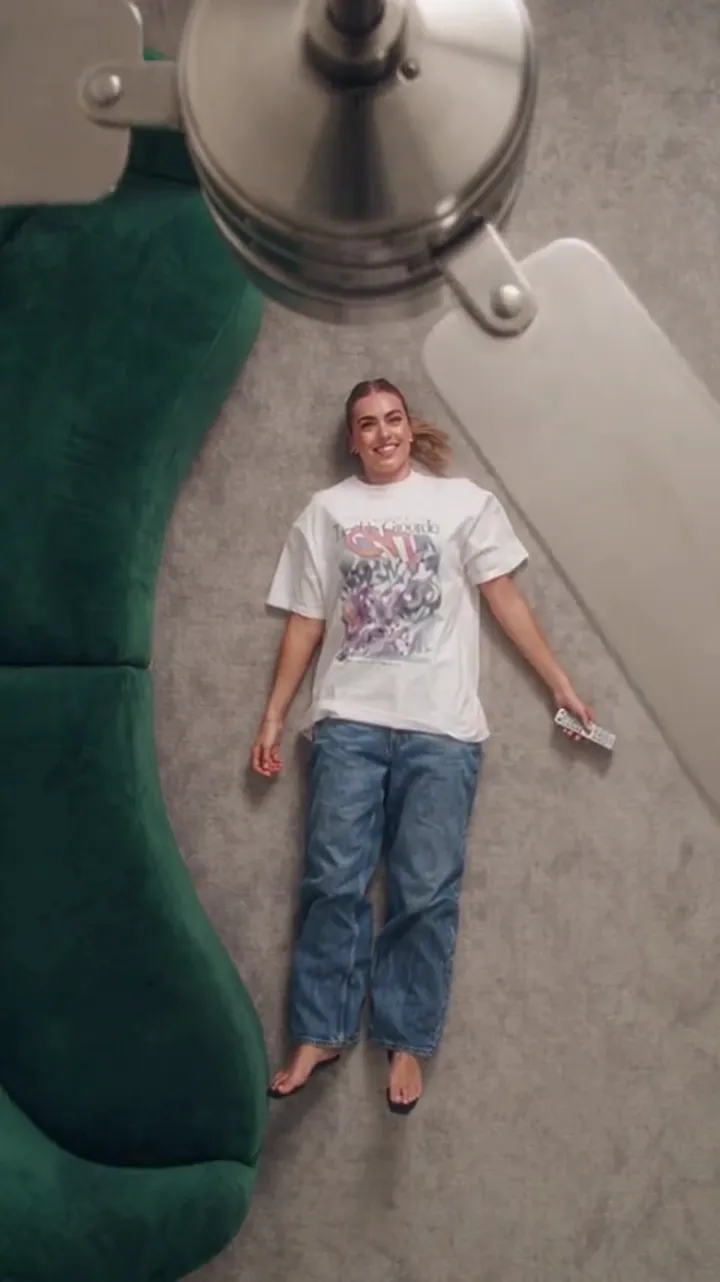
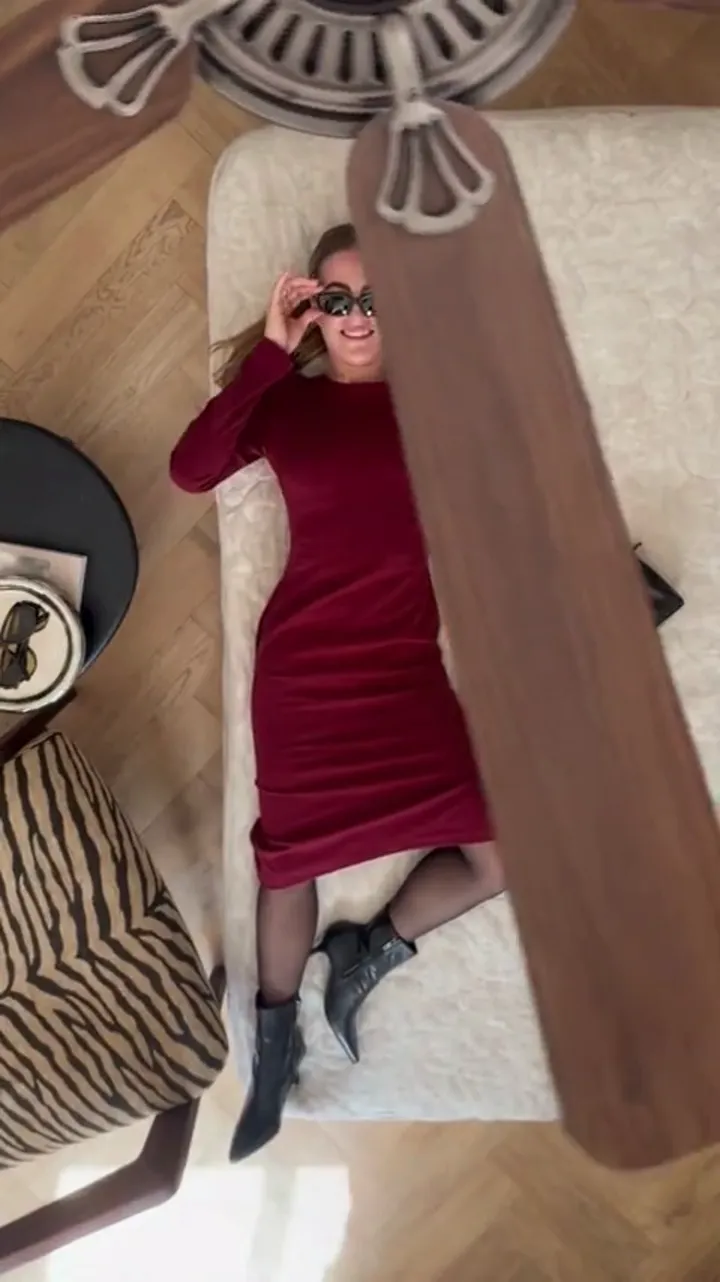
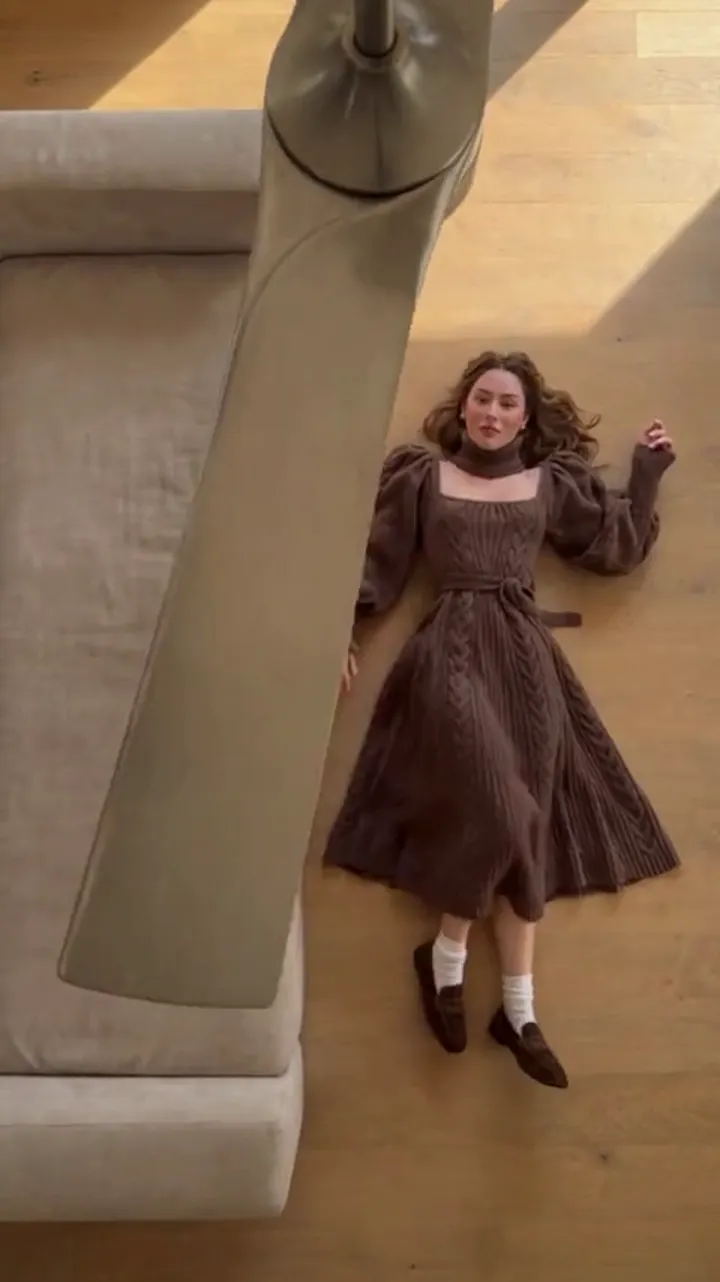
An AI ceiling fan trend clip lives or dies on one question: does the viewer believe it was filmed in one take? The blade is the alibi. If the wipe covers the change cleanly, the eye never asks how the outfit swapped. If it does not, the clip looks like a slideshow with a fan drawn over it.
This page covers where the trend came from and then the practical part: what makes a clip read as a real transition, and the mistakes that break it.
Where the trend came from
The effect is a wipe, one of the oldest tricks in editing. Something passes in front of the lens, and a cut hides behind it. The ceiling fan version became a trend because a fan is a common object, its blades are a natural wipe, and the movement is fast enough to hide a wardrobe change in a couple of frames.
The filmed version spread first: fix a phone under a spinning fan, record, cut on a frame where a blade covers the lens, change, record again. When AI video models became able to generate a short clip from a photo, people rebuilt the same shot without a camera. That is the AI ceiling fan trend: the same visual, generated from photos instead of filmed.
The three things that make it read as real
Strip away the styling and almost every convincing clip has the same three properties.
- A blade that actually covers the frame. The wipe only works if the blade fills the lens at the moment of change. If it passes beside the person instead of in front of the camera, the change looks pasted on.
- A person who does not move. The face, hair and pose stay put across every pass. Movement between passes reads as two different shots, which breaks the single-take illusion.
- A change that lands on the blade. The new outfit should be fully visible the moment the blade clears. If it fades in after, the eye catches the trick.
Everything else — the room, the light, the music — supports those three. Get them right and a modest clip convinces. Miss one and no amount of resolution rescues it.
What each gift of the tool does for the illusion
- The eight scene presets place the fan between the camera and the person, which is the first condition above. That placement is why the presets exist rather than a blank prompt.
- The photo roles keep the person steady: the first photo supplies the face and framing, and the outfit photos supply only the wardrobe.
- The default 9:16 vertical frame keeps the blade large in the shot, which is why the trend lives on vertical feeds.
In short, the tool is built around the three properties. Your job is to feed it a clear person photo and a sensible outfit order, and to pick a preset where the fan crosses the camera.
Common mistakes
| Mistake | Why it breaks the clip | Fix |
|---|---|---|
| Using a busy or shadowed person photo | The face is invented instead of kept, so passes look like different people | One front-facing, evenly lit photo of the person |
| Adding outfits with mixed lighting | Colour and fabric shift between passes | Shoot or choose outfit photos in similar light |
| Choosing a preset where the fan hangs far away | The blade never fills the frame, so the wipe is weak | Pick a preset where the fan sits near the camera |
| Revealing too many looks in 6 seconds | Each change gets too little time to read | Use a 12-second clip for three or four outfits |
| Expecting an exact garment copy | The model rebuilds clothing from the photo, so detail drifts | Accept the stylised result, or regenerate for a better pass |
| Judging a single run | Results vary; one run is not the ceiling of the tool | Generate again before deciding the idea does not work |
The fifth row is the one people underestimate. The effect is generated, so it is not a copy of your photo; it is a performance built from it. Colour and shape usually survive, while fine texture and hands can drift. That is the nature of the trend, not a fault in your settings.
Making the trend yours
Once the basics are right, small choices separate a clip that gets watched twice from one that gets scrolled.
- Pick a sound with a clear beat and land the change on it, which means adding audio in the app where you post.
- Keep the clip short enough to loop, so a viewer can catch the change on a second pass without replaying.
- Choose outfits that differ in shape, not only colour, so each pass changes the silhouette.
- Keep one clip to one idea. A single strong before-and-after beats four muddy looks.
The TikTok guide covers beat-matching and the vertical workflow. The outfit guide covers ordering the looks. If you want the underlying mechanism first, read the main explainer.
Cost and honest limits
A generated clip costs credits by length and resolution: 5 for a 12-second 480p clip, 10 for 720p, 30 for 1080p, and about half that for 6 seconds. The seven sign-in claims give a free path to a first clip, and packs and subscriptions start at $9.90. The pricing page has the full list.
Two honest notes to end on. It is a stylised generated transition, not filmed footage, and it will not always look perfect on the first run. And it is not affiliated with TikTok, Instagram, Pixazo, Media.io, Higgsfield, Google Flow or Seedance and ByteDance. It is an independent photo-to-video tool for making one specific effect well.
FAQ
What makes a ceiling fan clip look fake?
Usually one of three things: the blade passes beside the person instead of across the camera, the person moves between passes, or the outfit fades in after the blade clears rather than switching on it.
Do I need the fan to fill the whole frame?
At the moment of the change, yes. The wipe depends on the blade covering the lens, so a preset where the fan hangs close to the camera reads far better than one where it sits deep in the room.
Why does my clip look different from my outfit photo?
Because the outfit is generated from your photo, not copied from it. The model rebuilds the clothing inside the scene, so the shape and colour usually survive while fine detail can drift.
Is the AI ceiling fan trend the same as the filmed one?
Visually, yes; the wipe and the reveal are the same idea. The difference is the input: the filmed version needs a room, a fan and a frame-accurate edit, while the generated version needs a photo of the person and one photo per outfit.
Should I try again if the first clip looks wrong?
Yes. Results vary from run to run, so one weak attempt does not mean the idea is wrong. Test at a lower resolution first so you can afford a second and third try.