Pika AI Alternative: General Video Model vs One Effect
Looking for a Pika AI alternative? Here is the real difference between a general AI video model and a single-effect tool, and how to tell which one you need.
Ceiling Fan AI editorial team · Updated October 12, 2026
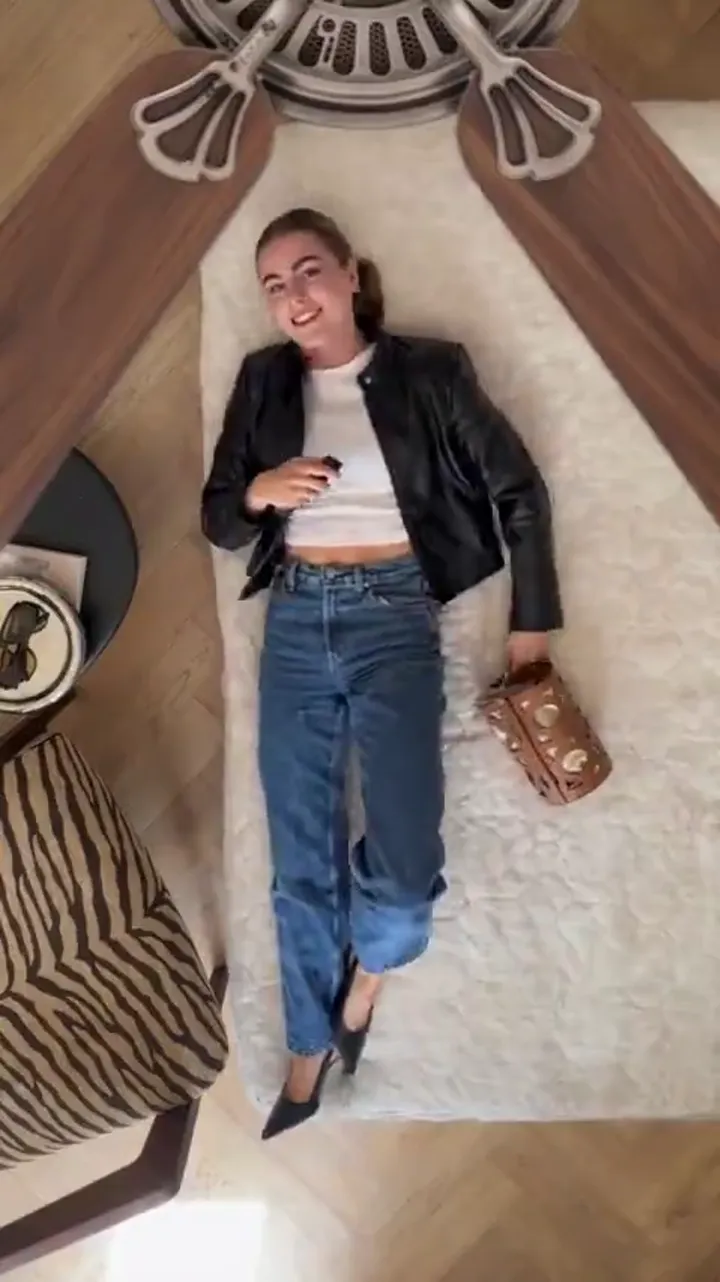
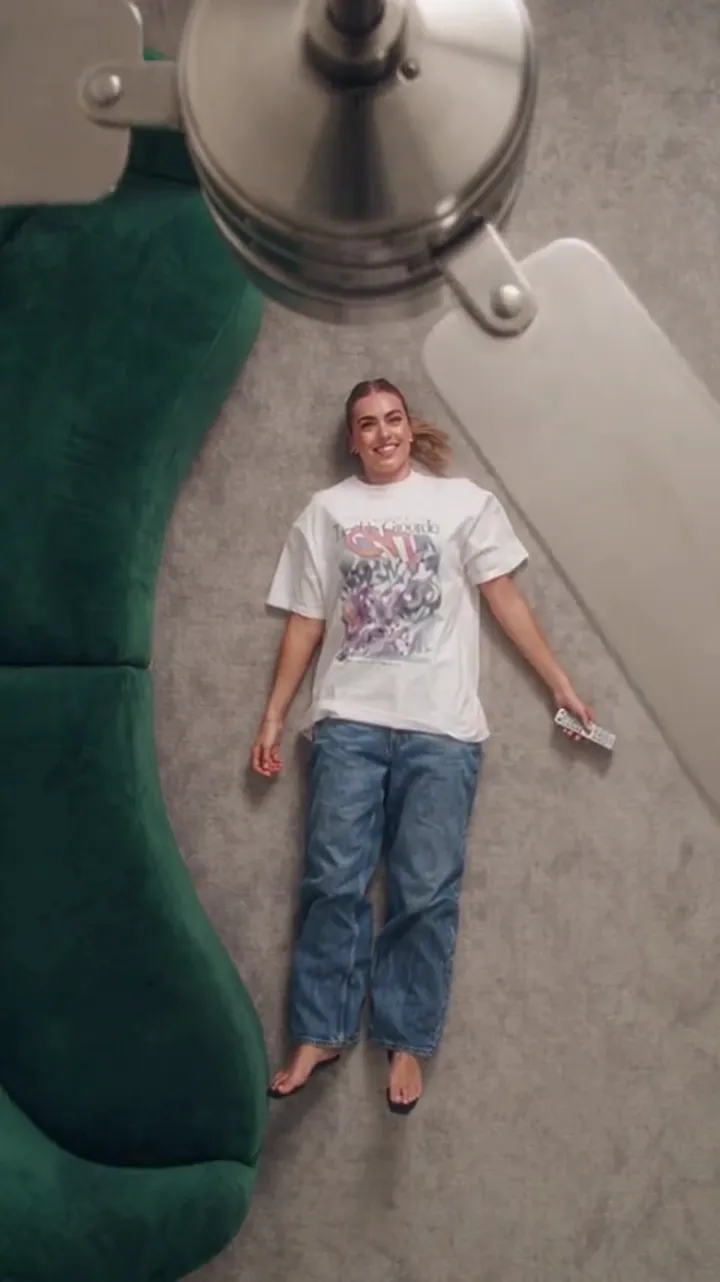
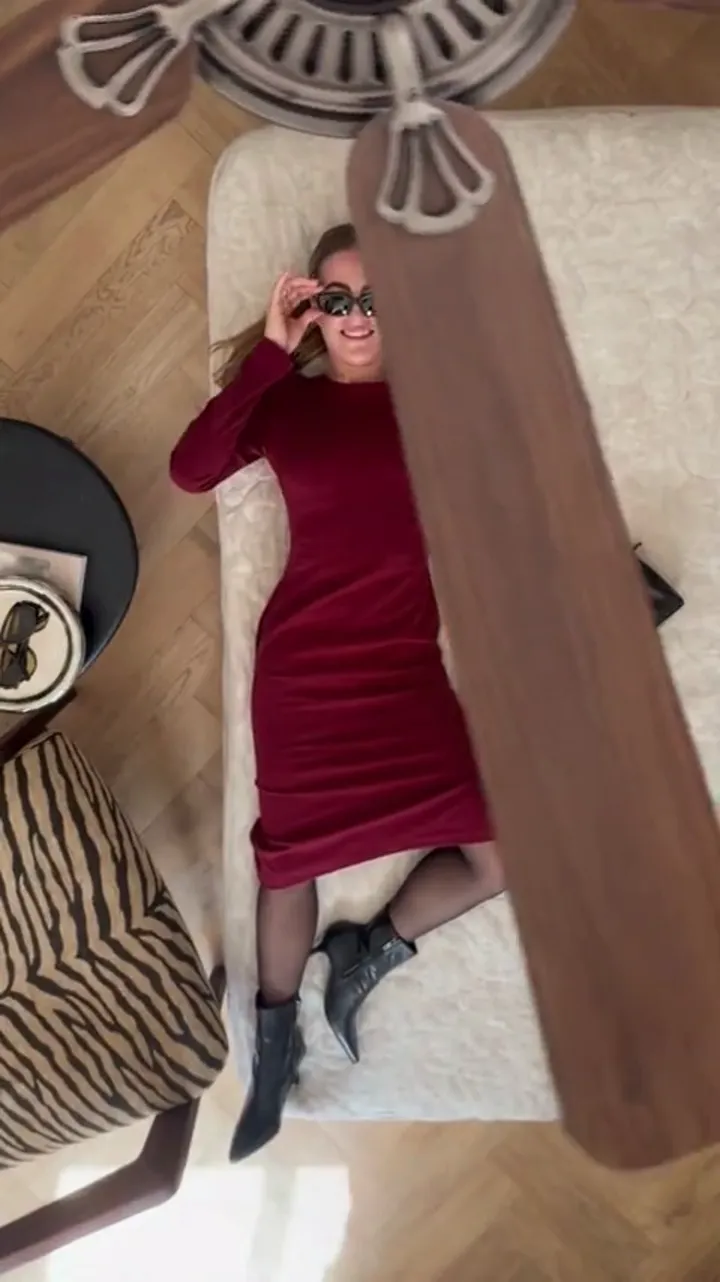
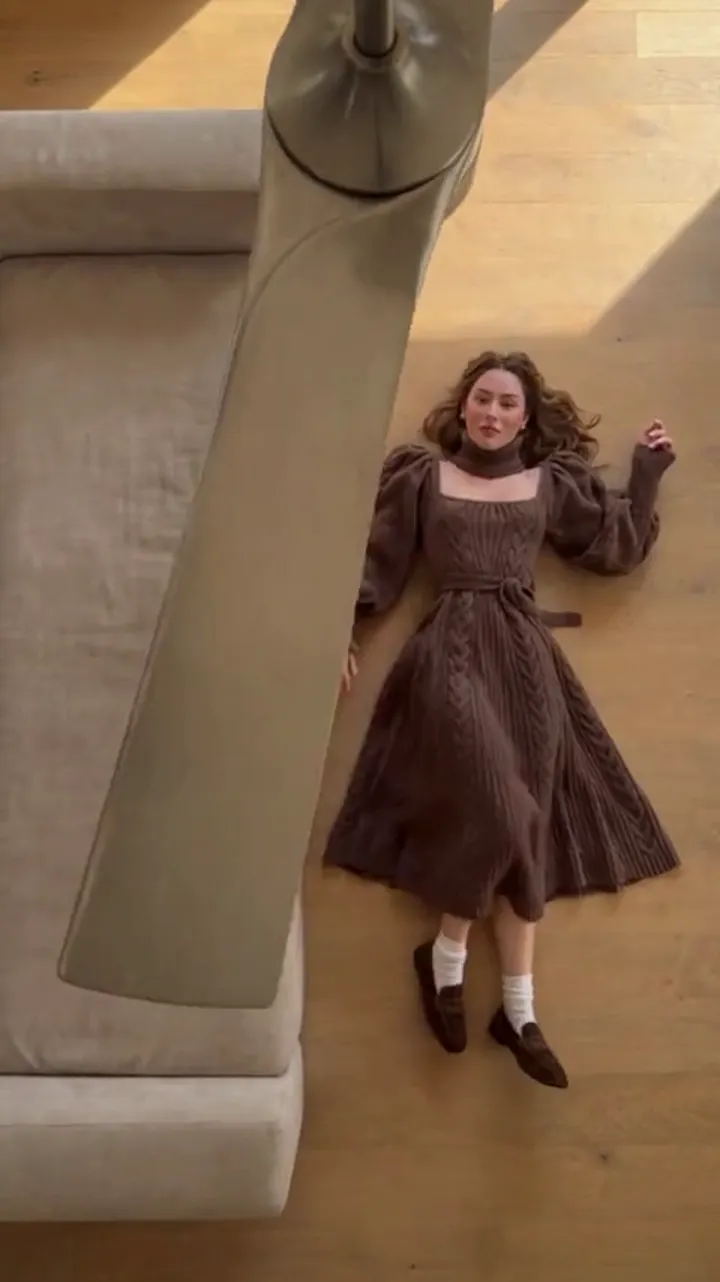
People searching for a Pika AI alternative usually are not unhappy with general AI video tools. They want one specific thing: the ceiling fan transition, where a fan blade wipes across the frame and the outfit changes on every pass. Searching for an alternative is often the moment someone realises a general video model is a workshop, and what they actually want is a single tool that already knows how to make this one clip.
This page is about that difference. It compares a general AI video model and a single-effect tool as categories, explains when each is the right choice, and notes what changes when you switch from one to the other. It does not describe Pika's plans, models or features, because those are theirs to state and change; the comparison here is about structure, not about one product's current details.
What people mean by "Pika AI alternative"
A general AI video tool lets you describe almost anything and generate it. That range is the point, and it is also the friction. To get a ceiling-fan outfit transition out of a general model you have to describe the blade, the timing of the wipe, what happens on each pass, and the identity you want held — then judge whether the result matched what was in your head, and try again.
The search for an alternative usually starts there: not with a complaint about the model, but with a growing pile of attempts and the sense that you are re-describing the same effect every time. If the effect is the product you want, the alternative that fits is a tool built around that effect.
A general video model versus a single-effect tool
Structurally these are two different kinds of thing. One is a studio; the other is a preset.
| Question | A general AI video model | A single-effect tool |
|---|---|---|
| What you bring | A prompt describing a scene or motion, sometimes reference images | One person photo, plus outfit photos or a written wardrobe list |
| What you control | The content of the shot, subject to how well it follows your prompt | Length, shape and the outfit list |
| What is fixed | Nothing in particular; the model is general | The effect: the wipe, the identity rule, the framing |
| Output | A generated shot in the style you described | One short clip in the shape you selected |
| Cost model | Usually tied to a plan or credit pool you spend across many kinds of clip | A published cost per clip at the settings you pick |
| Best at | Ideas, variety, sequences, custom shots | One repeatable format made again and again |
The important difference is not quality. It is who supplies the recipe. With a general model, you do. With a single-effect tool, the tool does, and you supply the photos.
When a general model is the right choice
- You want footage that is not this trend: a product shot, a landscape, an abstract loop, a talking scene.
- You want to invent the effect. A general model can be steered toward your own timing and framing, which a fixed preset never will.
- You are building a sequence of shots that need to feel like one piece.
- You already pay for a general tool and the marginal cost of trying an idea is low.
- You enjoy prompt work as part of the process, rather than tolerating it to reach one clip.
If most of that sounds like you, a general model is not a compromise. It is the more capable tool for what you are doing, and no single-effect tool replaces it.
When a single-effect tool is the right choice
- The ceiling fan transition is the clip you actually post, and you make it more than once.
- You want the face held steady while only the wardrobe changes, without having to describe that rule every time.
- You want the cost of an attempt to be visible before you commit.
- You would rather choose photos than write descriptions of a fan blade.
- You want a vertical clip by default, without cropping a wider generation.
Ceiling Fan AI is built for exactly this case: upload one photo of a person, add up to four outfit photos, pick a 6- or 12-second length, and get a short vertical clip where the blade wipes the frame and the outfit changes on every pass. It is not a general studio and does not try to be.
What changes when you switch
Switching from a general model to a single-effect tool is a change of job, and it helps to expect the trade.
- You stop describing the effect. The wipe and the identity rule are fixed, so your prompt becomes an outfit list in reveal order.
- You start choosing photos. The source photo of the person now matters more than any wording, because it is what the model holds steady.
- Your variables shrink. Length and shape are the main settings; everything else is the preset.
- Your results get more repeatable. The same photos and outfit list produce the same kind of clip, so a good result is something you can rebuild.
- You give up range. A single-effect tool cannot make the shot you have not imagined yet; a general model can.
If that trade sounds like a downgrade, stop and reconsider — a general model is the better answer for creative shots. If it sounds like less busywork for the one clip you keep making, the single-effect route is the shorter path.
Cost and attempts are the real comparison
The most honest way to compare the two categories is not headline price but what one purchase buys you. A general model's plan is usually a pool you spend across many kinds of generation, so the cost of one ceiling-fan attempt is really your plan divided by however many attempts it takes to land a shot you like. A single-effect tool prices the attempt itself, so you can read the cost of the settings you picked before you confirm.
Neither model is fairer. They just answer different questions. If your month is full of different clips, a pool is efficient. If it is full of one format, a per-clip price lets you plan.
You can see whether the single-effect route fits your case without spending anything: a new account can earn enough free credits from daily sign-in to cover a first clip, and the pricing page lists the totals for every pack and plan.
Trying it before you commit
The low-risk test is to make one clip with the ceiling fan preset and compare it to your best result from a general model. Bring the same person photo and the same outfits to both and judge the face consistency, the legibility of each reveal, and how long each took to make. If the preset version is the one you would post, you have your answer; if the general model's version is closer to an idea you care about, keep the general model.
Either way, the search ends in the same place: pick the tool that matches the job, not the tool with the longer feature list.
FAQ
What is a Pika AI alternative for the ceiling fan trend?
A single-effect tool built around this one transition, rather than a general video model. It takes a person photo and outfit photos and returns a short vertical clip where the blade wipes the frame and the outfit changes. Ceiling Fan AI is that tool.
Is a general video model worse than a single-effect tool?
No, it is more capable in range. A general model can make almost anything; a single-effect tool makes one thing predictably. Which is better depends on whether you need range or repetition.
Can a general AI video model make the ceiling fan transition?
A general model can be asked for a transition, and the result depends on how well you describe and steer it. Whether it ships a preset for this trend is something to check in that tool, since features change.
What do I give up by switching?
Range. A single-effect tool makes one kind of clip, so it will not help with a product shot or a multi-shot sequence. What you gain is a fixed effect, a steadier face, and a visible cost per attempt.
Do I need to describe the fan in the prompt?
No. On a single-effect tool the blade, the wipe and the identity rule are part of the preset. Your text is the outfit list in reveal order, and the prompt guide shows how plain it can be.
Which should I try first?
If you came looking for this specific clip, try the single-effect route first, because the recipe is already written. If you want your own version of the effect, a general model is the tool for that.
For the workflow behind the clip, read the ceiling fan outfit change guide, and to start making one, go to Ceiling Fan AI.