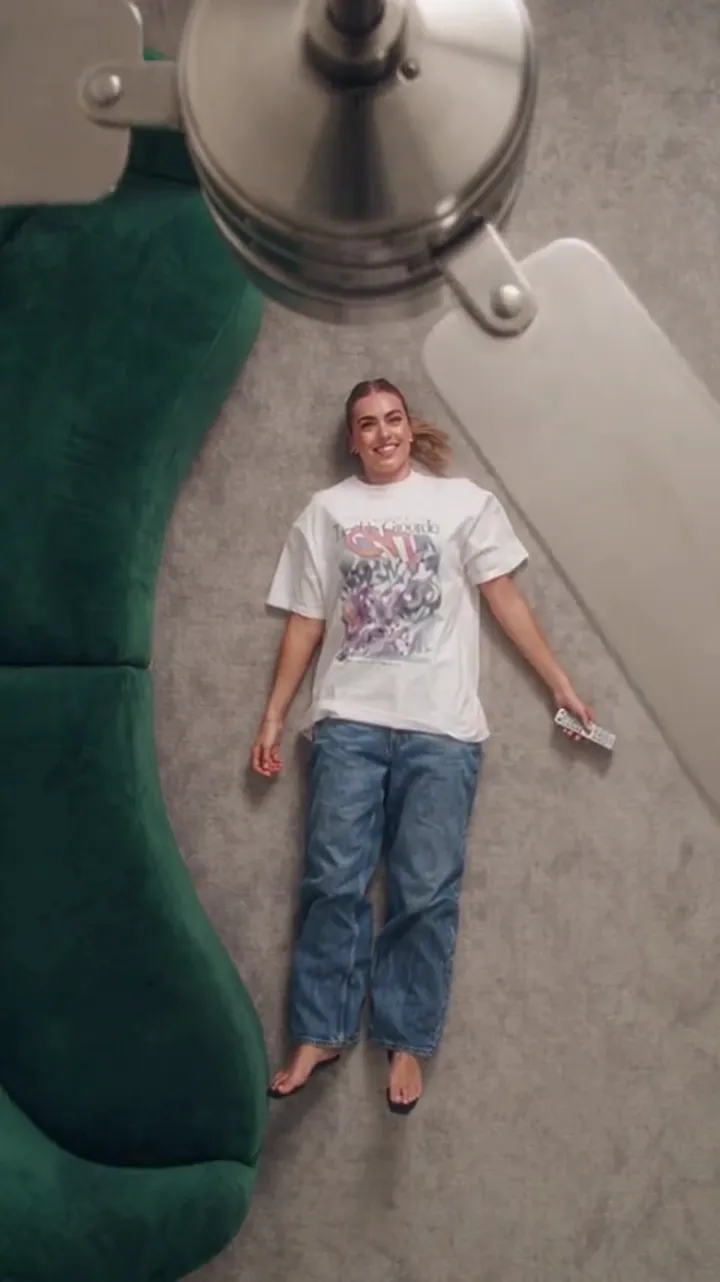
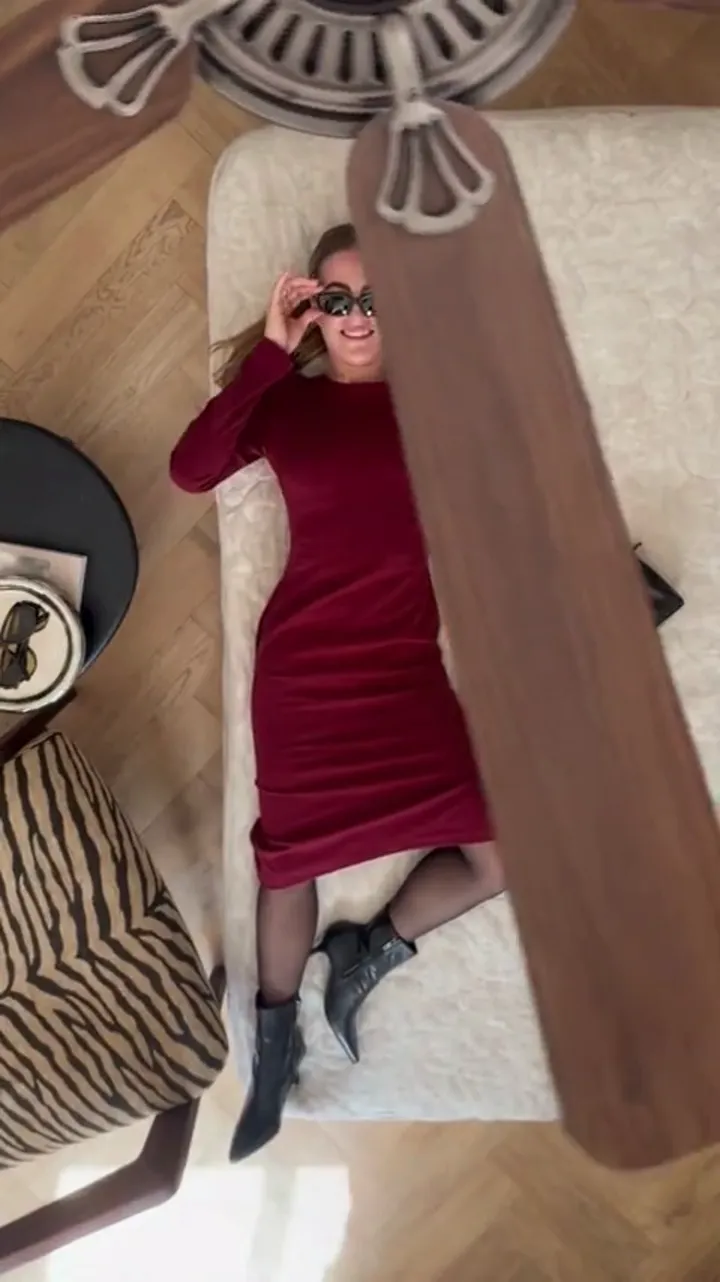
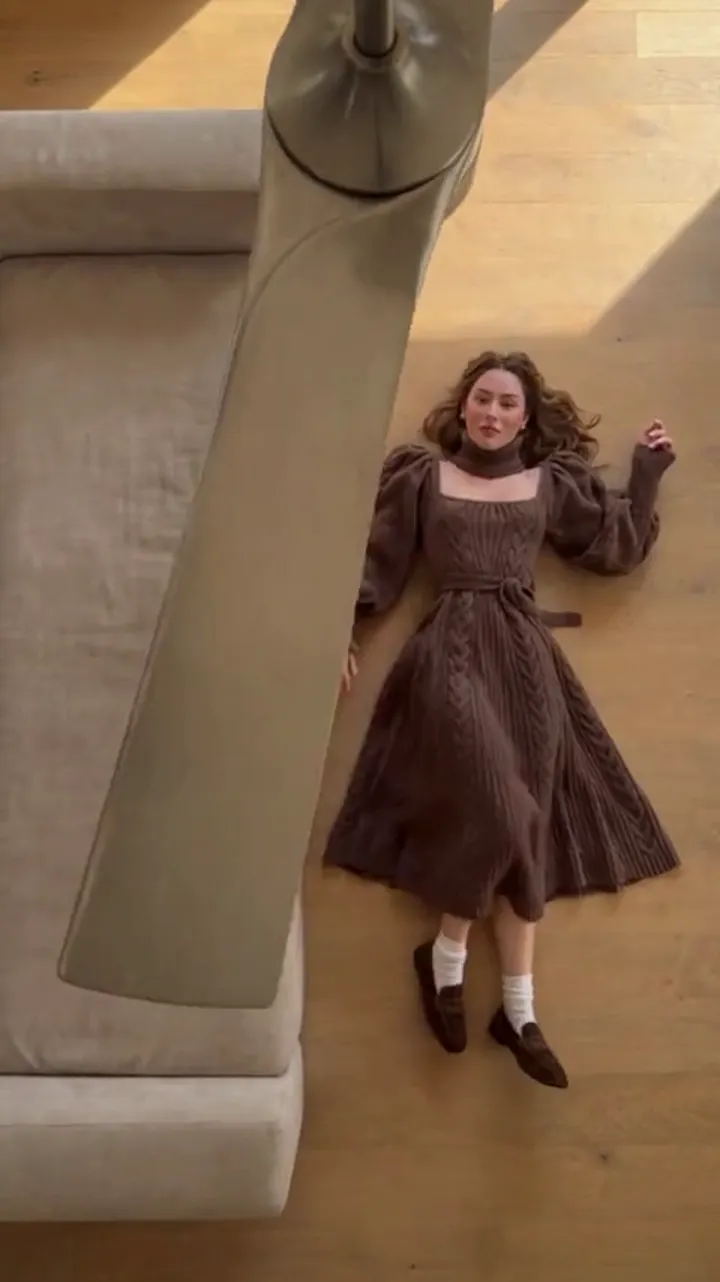
Ceiling Fan Transition Couple Guide: Two People, One Clip
A ceiling fan transition couple clip takes planning: frame two people, choose one sweep or two clips, and keep both faces steady across every outfit change.
Ceiling Fan AI editorial team · Updated October 12, 2026
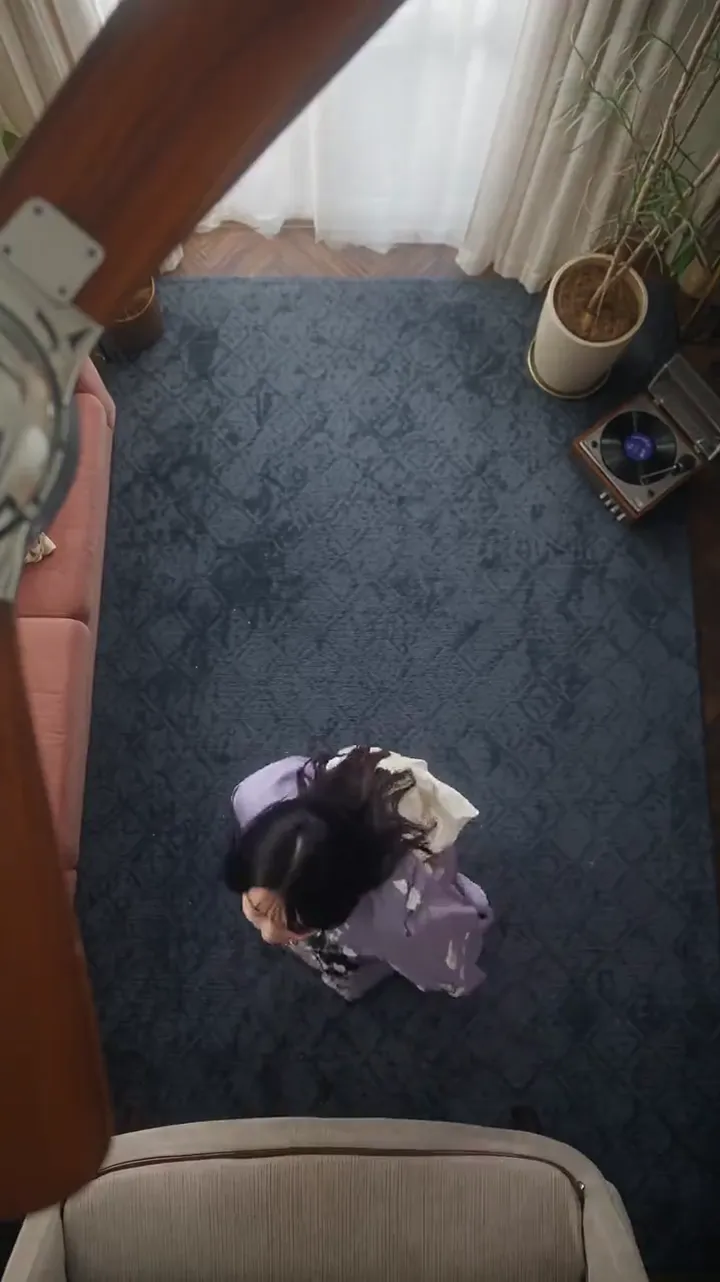
A ceiling fan transition couple clip is a coordination problem before it is an editing problem. The fan blade wipes the frame and the outfits change, but with two people in the shot there are two faces to keep steady, two wardrobes to order, and a decision about whether one sweep should carry both of you or whether two clips cut together read better.
This guide walks through that decision and everything that follows from it: how to frame two people on a vertical canvas, how to keep both faces consistent across the passes, how to style a pair without looking like a uniform, and what tends to go wrong so you can catch it before you post.
What "couple" means for this kind of tool
The tool built for this trend is designed around one person photo plus up to four outfit photos. That single fact shapes every choice on this page. A couple clip is not a special mode; it is either a single generation in which both of you share one frame, or two generations that you pair in your editing app.
Both routes work, and they produce different results. What matters is picking one on purpose rather than discovering halfway through that you wanted the other.
| Approach | How it works | Strength | Watch out for |
|---|---|---|---|
| One shared sweep | Both people appear in the person photo; the blade wipes both at once | Single file, matched pacing, one cost | The model has twice as much face and body to hold steady |
| Two clips, cut together | Generate each person separately, then edit side by side or back to back | Each face stays sharp; easy to fix one side | You match the fan timing and outfit order yourself |
| Two clips, alternating | One person's sweep, then the other's, in a single edit | Feels like a relay; hides drift well | Needs a beat of editing to land |
Option one: both of you in a single sweep
Put the two of you in one photo, standing close, both facing the camera in the same light, and generate a single clip from it. The blade crosses the frame once and both outfits change on that pass. If you add a second pair of outfits, the next pass changes both of you again.
The appeal is that the timing is guaranteed to match. Because the model generates the whole frame together, the two of you move through the reveal in lockstep. That reads as a couple rather than two solo clips sitting next to each other.
The cost is precision. The model is holding two faces, two body proportions and two wardrobes at once, so small drifts are more likely and more visible. A shared sweep rewards a very clean source photo and outfits that are easy to describe.
Option two: two clips, cut together
Generate one clip for each partner, then bring them into a single edit. The obvious layout is side by side, split down the middle, each person changing on the beat. A looser layout is to run one sweep, then cut to the other person's sweep, so the blade passes twice and the pair changes one at a time.
Two clips give each face its own clean run, which usually means less drift per person. It also means you can regenerate only the half that went wrong instead of the whole shot.
The trade is timing. The fan blade moves through the frame at the same speed in both clips, but the outfit reveals may land a fraction apart, so line up the cuts in your editor rather than trusting them to match. Keep the same room preset and the same clip length on both sides and the join is easy.
Framing two people on a vertical canvas
Vertical video is tall and narrow, so two people standing shoulder to shoulder eat the width fast. A few rules make the frame behave.
- Keep the pair centred, not spread edge to edge. Leave a little air on each side.
- Stand close enough to touch shoulders. Gaps between you make the frame look empty and pull the blade reveal apart.
- Match height in the shot, or place the taller person slightly behind so heads sit at a similar level.
- Keep heads in the upper third. A tall frame wastes the top if you float in the middle.
- Avoid crowding the fan blade's path. The wipe reads best when the blade can cross an uncluttered strip of the frame.
Camera height and distance
Shoot the reference photo at roughly chest or eye height, straight on, from far enough back that both of you are fully in frame with room above your heads. A phone propped on a shelf at chest height is usually better than a hand-held selfie, because the angle stays neutral and neither face is stretched by a wide lens close up.
Where the blade should sit
The blade is part of the room the preset holds. You do not place it by hand; you choose a room look and the blade sweeps through it. What you can control is what stands in its way. Keep the strip the blade crosses free of busy detail so the change is the thing the eye catches.
Keeping both faces consistent
Face consistency is the whole illusion. If one of you stays sharp and the other morphs, the clip reads as a glitch. A few habits protect both of you.
Let the reference photo do the work
Use one well-lit, sharp, front-facing photo as the person reference. Even light across both faces beats a dramatic single-source shot, because the model has less shadow to invent. No sunglasses, no hands near the chin, no hats that hide the hairline.
Match light between the two of you
If one of you is in window light and the other in warm lamp light, the model has two different white balances to reconcile. Shoot the pair in the same light at the same moment. A plain wall behind you both keeps the background from competing with the wardrobe.
Keep the pose shared
Stand in a similar stance — both facing front, arms relaxed, weights even. If one of you is turned to the side and the other straight on, the model is being asked to hold two different body plans, and it will improvise.
Outfits for two: coordinate, do not clone
Matching head-to-toe outfits usually look like a uniform rather than a couple. What reads better is coordination: a shared palette or a shared level of formality, with each person keeping their own silhouette.
- Same palette, different cuts. Both in muted tones, one relaxed and one structured.
- Complementary contrasts. One in light, one in dark, so the wipe reveals on both at once.
- One shared accent. Matching shoes or a matching layer ties the pair without copying it.
- Change both, every pass. If only one of you changes, the other looks like a prop.
- Order the looks as a pair. Plan both wardrobes in the same reveal order so the clip tells one story.
Keep accessories steady. Glasses, jewellery and bags that swap randomly between passes make the clip feel broken rather than styled.
Length, aspect ratio and pacing
For a couple clip, 12 seconds is usually the kinder length, because it gives each person a pass to settle in before the next change lands. A 6-second clip fits one reveal for two people comfortably and feels rushed with more.
Keep it vertical at 9:16 for a phone feed. Both of you should fit in the upper two-thirds so captions and interface buttons do not sit over your faces. If you plan to post the same clip to a square or landscape feed, generate the shape you actually need rather than cropping a tall clip down, because cropping cuts one of you off.
What tends to go wrong
- One face drifts while the other holds. Usually a lighting or sharpness problem in the source photo, not the prompt.
- The pair looks pasted together, with an odd gap at the shoulder join. Stand closer in the reference.
- The blade reveal splits, changing one of you a beat before the other. More common in two clips; line the cuts up in the editor.
- Outfits read as one blur because both wardrobes are busy. Simplify one side.
- Hands and fabric shift slightly between passes. This is normal for a generated transition; regenerate if a run misses badly.
FAQ
Can two people be in one ceiling fan transition clip?
Yes, if both appear in the single person photo you upload. The model then holds both faces through the passes. Expect a little more drift than a solo clip, because it has more to keep steady.
Is one sweep or two clips better for a couple?
One sweep guarantees matched timing and is simpler to post. Two clips give each face a cleaner run and let you fix one side alone. Pick one sweep for a fast post and two clips when the faces matter most.
How do we keep both faces consistent?
Shoot one sharp, evenly lit, front-facing photo of the two of you standing close in the same light, and keep both poses similar. A clean source photo fixes more than any wording in the prompt.
How many outfit changes fit?
Up to four outfit photos go in, and a 12-second clip fits roughly three or four changes while a 6-second clip fits one or two. For a pair, plan the changes you can actually read on both people.
Do we need matching outfits?
No. Coordination reads better than cloning: a shared palette or formality level with your own silhouettes. Keep accessories steady between passes.
What does a couple clip cost?
Cost depends on length and resolution rather than on how many people are in frame. A default 1080p, 12-second generation is 30 credits, and a new account can earn enough free credits from daily sign-in to cover a first clip. The pricing page lists the totals per pack.
For the solo workflow behind this, read the ceiling fan outfit change guide, and for choosing the source photo start with the photo guide.