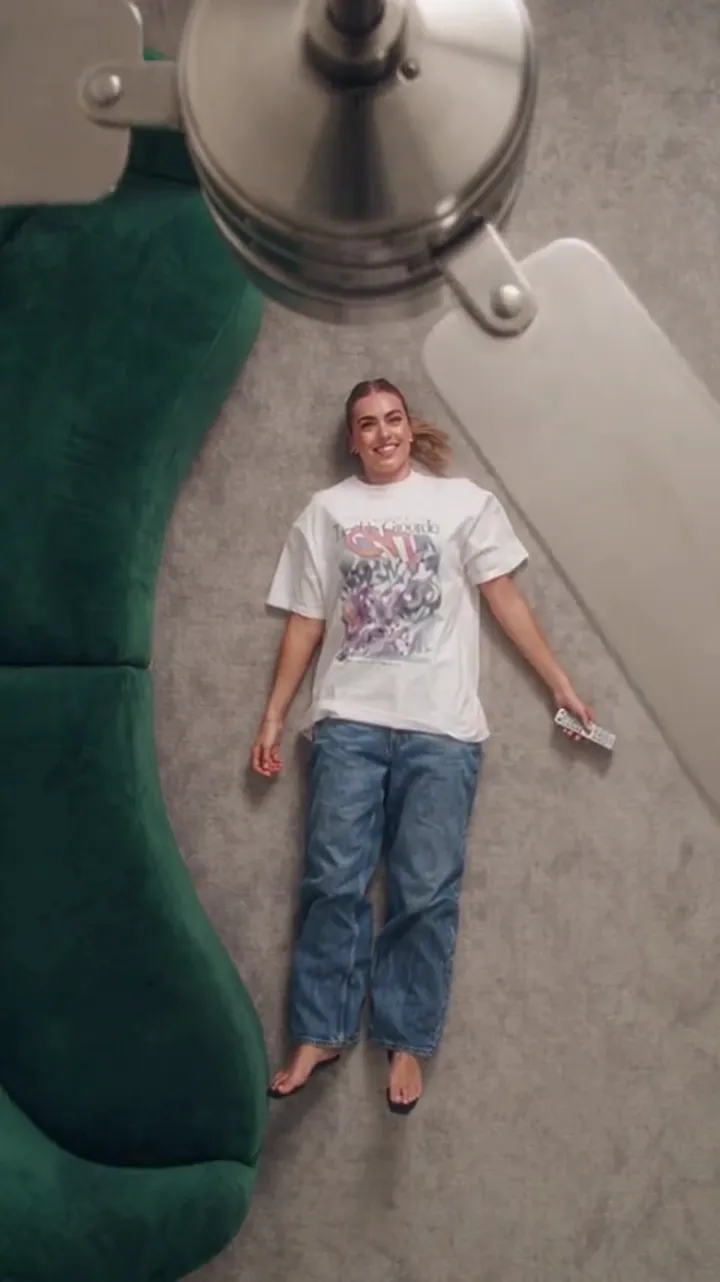
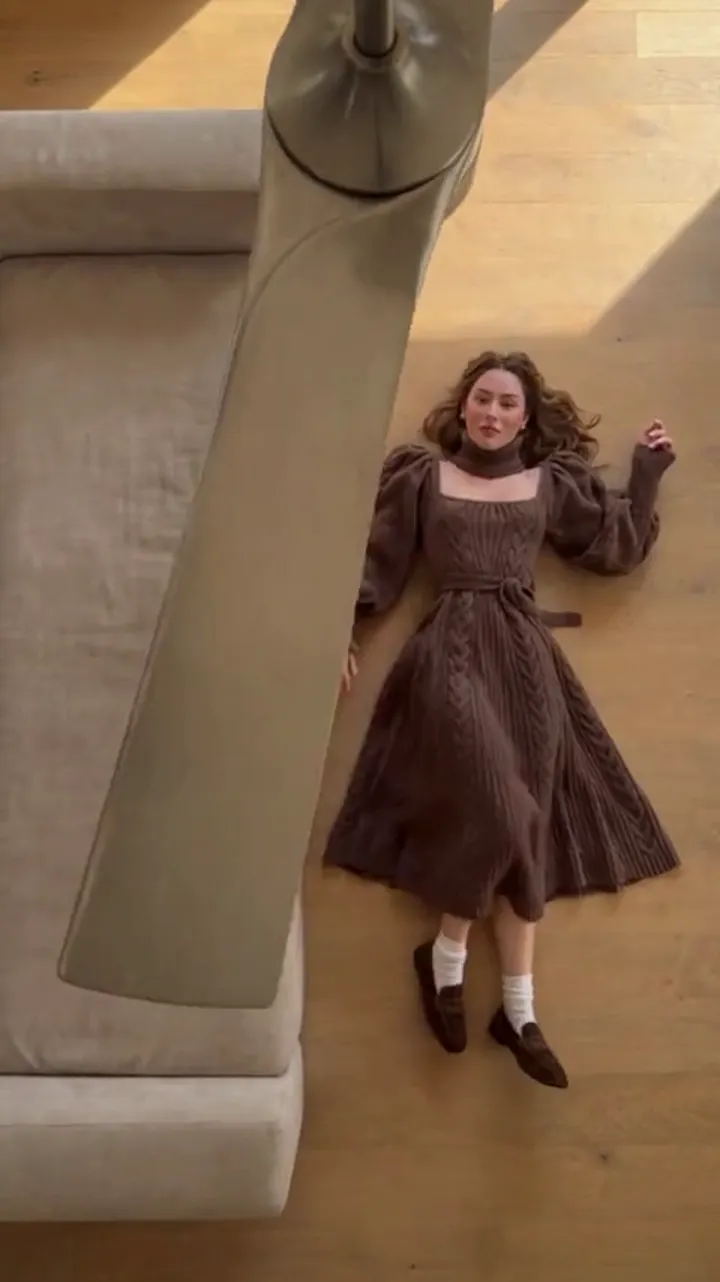
Best AI Video Generator for Outfit Transitions in 2026
A fair comparison of the best AI video generator for outfit transitions: what each kind of tool does well and how to pick the right one for your clip.
Ceiling Fan AI editorial team · Updated October 12, 2026
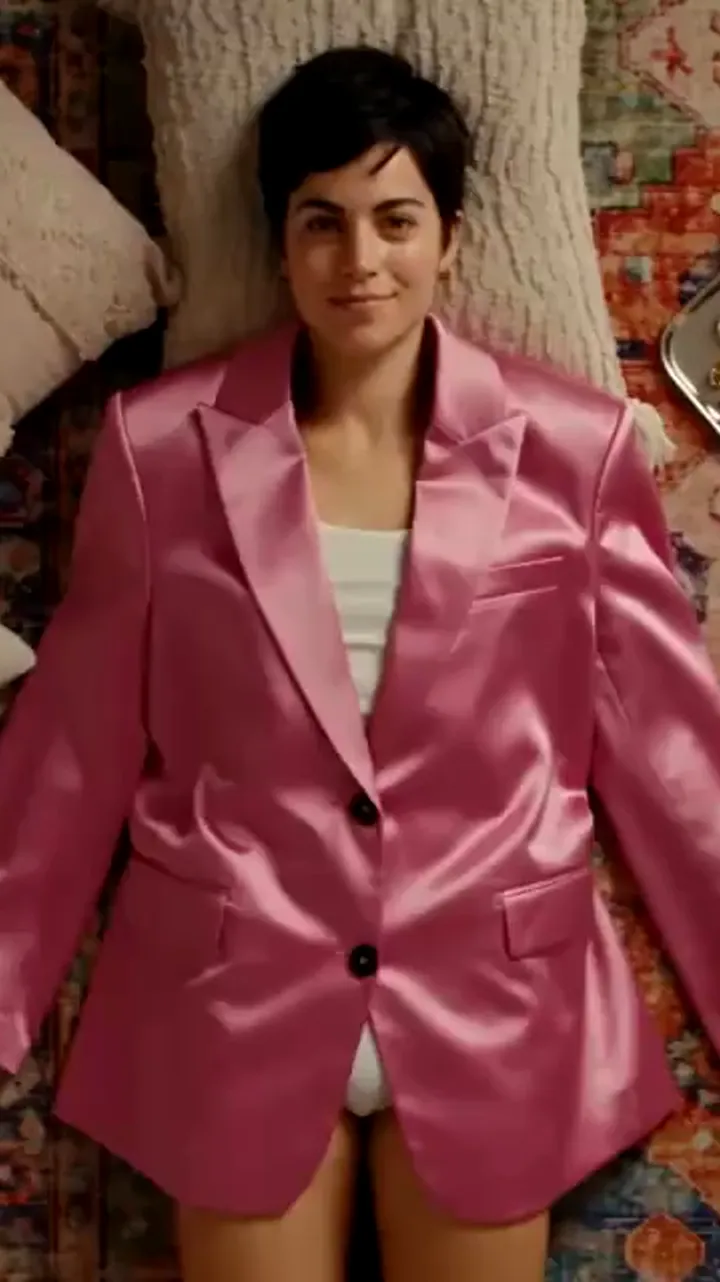
Searching for the best AI video generator for outfit transitions usually returns a wall of tools that were not built for the job. Most of them can make a video, and some can make a person change clothes, but very few are designed around the specific shot: a fan blade that wipes the frame while the outfit changes on every pass. The honest answer is that the right tool depends on what you actually need, and the tools people reach for fall into three rough categories.
This guide sorts those categories, says plainly what each one is good at, and gives you a short table of things to check before you spend an afternoon — or a credit balance — on any of them. It is a comparison of capability, not a ranking, and it does not restate any other tool's prices or feature lists, because those change and you should read them at the source.
What an outfit transition video actually needs
Before comparing tools, it helps to name the job. An outfit transition clip is a short vertical video where one person appears, the frame is interrupted by something — a blade, a hand, a wipe, a cut — and the person is wearing a different outfit when the frame returns. The viewer's brain reads the interruption as the moment of change, so the trick works only if the person stays clearly the same person.
That gives you four requirements to judge any tool against:
- A consistent person. The face, hair and build should carry across every pass. If the tool rebuilds the person each time, the clip looks like a montage of strangers.
- A believable interruption. Something must visually cover the cut. A blade, a spinning object, a wipe or a fast pan can all do it.
- Outfit control. You need to tell the tool which looks to use and, ideally, in what order.
- The right shape and length. Feed content is vertical, usually 9:16, and a transition reads best in a handful of seconds.
Different tools solve different parts of that list. That is the whole comparison in one sentence.
The categories of tool people use
There is no single best tool, because the tools are not competing for the same job. They cluster.
Category one: single-effect tools
A single-effect tool does one transition and does it well. You upload a photo of a person, add outfit references or a written wardrobe list, and the tool returns the clip with the camera and the wipe already decided. Ceiling Fan AI is the one built specifically for the ceiling-fan transition: one person photo, up to four outfit photos, a six- or twelve-second clip in 9:16, and the fan wipe baked into the preset.
The strength is a short decision list. There is no model picker, no camera rig, no motion curve. You choose the length and the shape, supply the photos, and generate. The weakness is the mirror image: it will not make a different style of video, and if you want a transition the preset does not offer, you are in the wrong tool.
Category two: general AI video suites
Suites such as Higgsfield AI bundle images, video and sometimes voice into one account, often with several models and camera-style controls. They are built for variety: a talking-head clip on Monday, a product shot on Wednesday, a stylised transition on Friday, all inside one subscription. Higgsfield in particular is structured as an AI-native creative suite with a model catalogue and editing layers.
What they are good at is range. What that costs you is decision load. A suite asks you to choose a model, a resolution, a duration and sometimes a camera behaviour, then to judge whether the result is good enough to keep. For someone producing many different things, that control is the whole point. For someone making the same outfit transition every week, most of those knobs are noise you have to learn and then ignore.
Category three: prompt-to-video and platform models
Google Flow AI sits in the newer wave of prompt-driven filmmaking tools, where you describe a shot in text and a general video model renders it. There are also broad text-to-video models that people drive directly. These are powerful and flexible: you can describe almost anything.
The catch for outfit work is identity. A prompt like "a person changes into four outfits while a fan spins" gives the model an instruction, but a general text-to-video model has no reason to keep the same face across passes unless the tool has a specific identity feature you can select. For a viral transition built around one recognisable person, that is often the deal-breaker. Pixazo AI and similar multi-tool platforms fall into the same broad bucket: useful for many jobs, not purpose-built for the ceiling-fan shot.
The four kinds of tool, side by side
| What you want | Single-effect tool | General suite | Prompt-to-video model |
|---|---|---|---|
| The exact fan-wipe transition | Built in | May need manual setup | Usually needs a custom prompt |
| Identity held across passes | Fixed by the preset | Depends on the identity feature | Usually weak |
| Outfit control | Photo slots or a wardrobe list | Varies by tool | Whatever the prompt can hold |
| Camera and wipe | Locked, predictable | You set it | You describe it |
| Range of other effects | None | Wide | Wide |
| Decision load | Low | High | Medium to high |
| Suits | One recurring format | A varied content calendar | Experimentation and one-off ideas |
What to look for before you commit
The checklist below is deliberately about structure, not about brand. Run any candidate tool through it.
| Thing to check | Why it matters | A good sign |
|---|---|---|
| Input it accepts | You can only work from photos you actually have | A single clear person photo is enough to start |
| Identity handling | The face staying put is the effect | The tool talks about keeping the person, not just the clothes |
| Output shape | Vertical feed needs 9:16 | 9:16 is offered directly, not cropped afterwards |
| Length options | A transition reads in a few seconds | Short options in the six- to twelve-second range |
| Outfit ordering | Order is the story | You can set which look appears first |
| Download terms | A watermark ruins the post | The clean file is included when you pay for the generation |
| Free entry | You want to test before paying | A starter credit balance you can spend on one clip |
Two of these are worth dwelling on. Output shape is easy to overlook and expensive to fix: a 16:9 clip dropped into a vertical feed either gets letterboxed or loses the top and bottom of the frame, and the fan wipe often happens near an edge. Length matters for the same reason — a long clip does not make a better transition, it just gives the blade more passes to get one wrong. Confirm both before you generate, not after.
A fair note on each kind
It is worth saying out loud what each category is genuinely better at, because the internet tends to pretend one tool wins everything.
- Single-effect tools win when the format is fixed and you want repeatable results with a predictable cost per attempt. They lose when you need a different video.
- General suites win when your calendar is varied and you want one account for many output types. They lose on decision load and on predictability, because cost and quality both move with the settings.
- Prompt-to-video models win for ideas that no preset covers. They lose on identity consistency for a specific person unless the platform offers a dedicated feature for it.
None of those trade-offs is a flaw. They are the reason the tools exist as separate categories.
Choosing in five steps
- Write down the clip you need. If it is the fan transition, and only that, you are already in single-effect territory.
- Check the input each candidate accepts against the photos you actually have on your phone right now.
- Confirm the output shape and length before anything else, because they are hard to fix later.
- Price one attempt at the settings you would really use, not the cheapest tier on the page.
- Look at the download terms and the free entry, then generate one clip and judge it with your own eyes.
FAQ
Is there one best AI video generator for outfit transitions?
No single tool wins every case. A single-effect tool is best when the ceiling-fan transition is the format you post; a general suite is best when you need many kinds of video; a prompt-to-video model is best for one-off ideas. Match the tool to the job.
Can general video tools make the ceiling-fan transition?
They can make outfit-changing video, but holding one person's identity across a wipe is the hard part, and general models do not always offer it. A preset built around the effect handles that for you.
What matters most for a good result?
The source photo. One clear, front-facing, evenly lit picture of the person does more for consistency than any setting or prompt you can write.
How long should the clip be?
Short. A six- or twelve-second clip is plenty for a transition; longer just adds passes that can drift.
Where should I start if I want the fan effect specifically?
Start with Ceiling Fan AI, which is the tool built for this one transition, and try a single clip before planning a series.